


















ALLPOWERS App
Take Control Of Your ALLPOWERS Energy On Your Phone
Monitor battery levels and power in real time, remotely toggle power on/off, and adjust output—all from your smartphone. Manage all your ALLPOWERS energy storage devices at home with ease.
Download the App
iOS
Android
Free Download
Core Features
One App to Control Your Energy
From real-time status monitoring to remote charging and discharging, the ALLPOWERS app puts key controls right at your fingertips.
Stay updated on device status
Open the app to view the battery level and operating status—no need to walk over to the device to check.
Remote control of charging and discharging
Control charging and discharging directly from your phone, and plan your energy usage in advance.
Unified management of multiple devices
Add all your home devices to view and control them from a single interface.
Gain a clear view of electricity usage data
Review your daily electricity usage with charts to help you discover ways to save more energy.

Energy, Rght in Your Hands
Whether you are at home or away, simply open the app to remotely check your energy status. Adjust the power output at any time to ensure every kilowatt-hour is used exactly where it’s needed. (Note: Requires a connection via Wi-Fi or Bluetooth.)
查看 App 功能Choose the App That’s Right for Your Device
The two apps are designed for different devices; please select the version that corresponds to your hardware to avoid downloading the wrong one.
ALLPOWERS inc
A new-generation device management app for centralized monitoring and control of your ALLPOWERS devices.
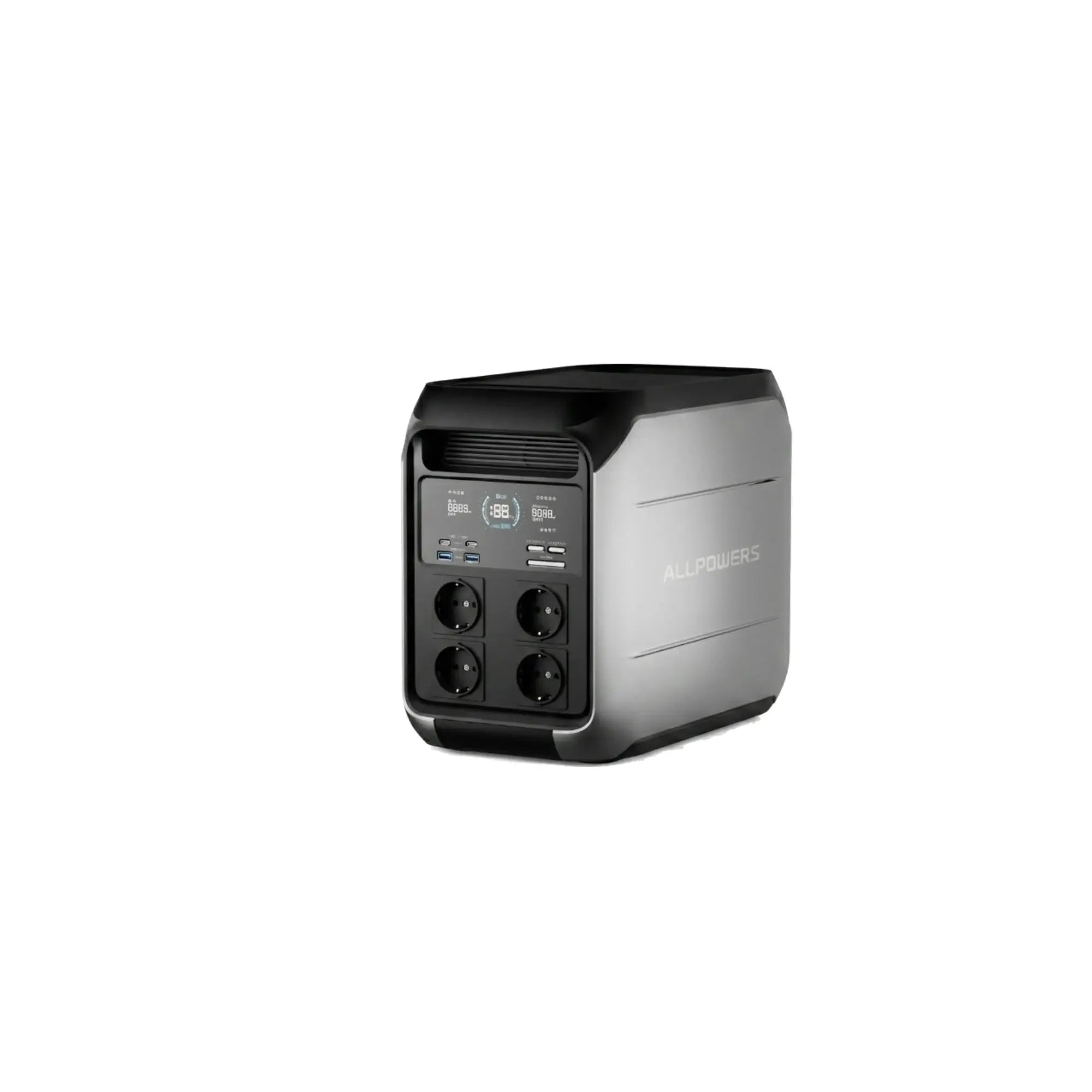
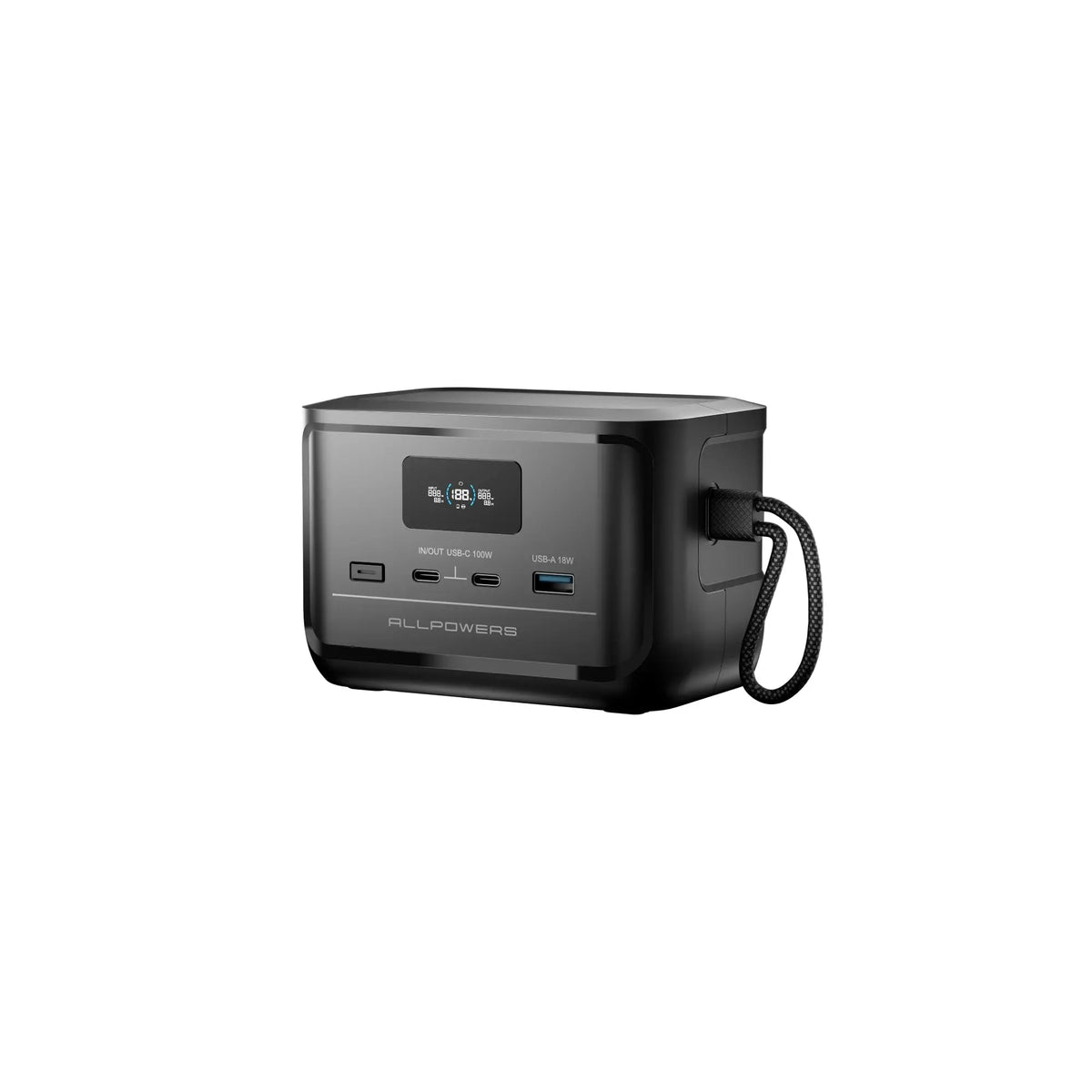
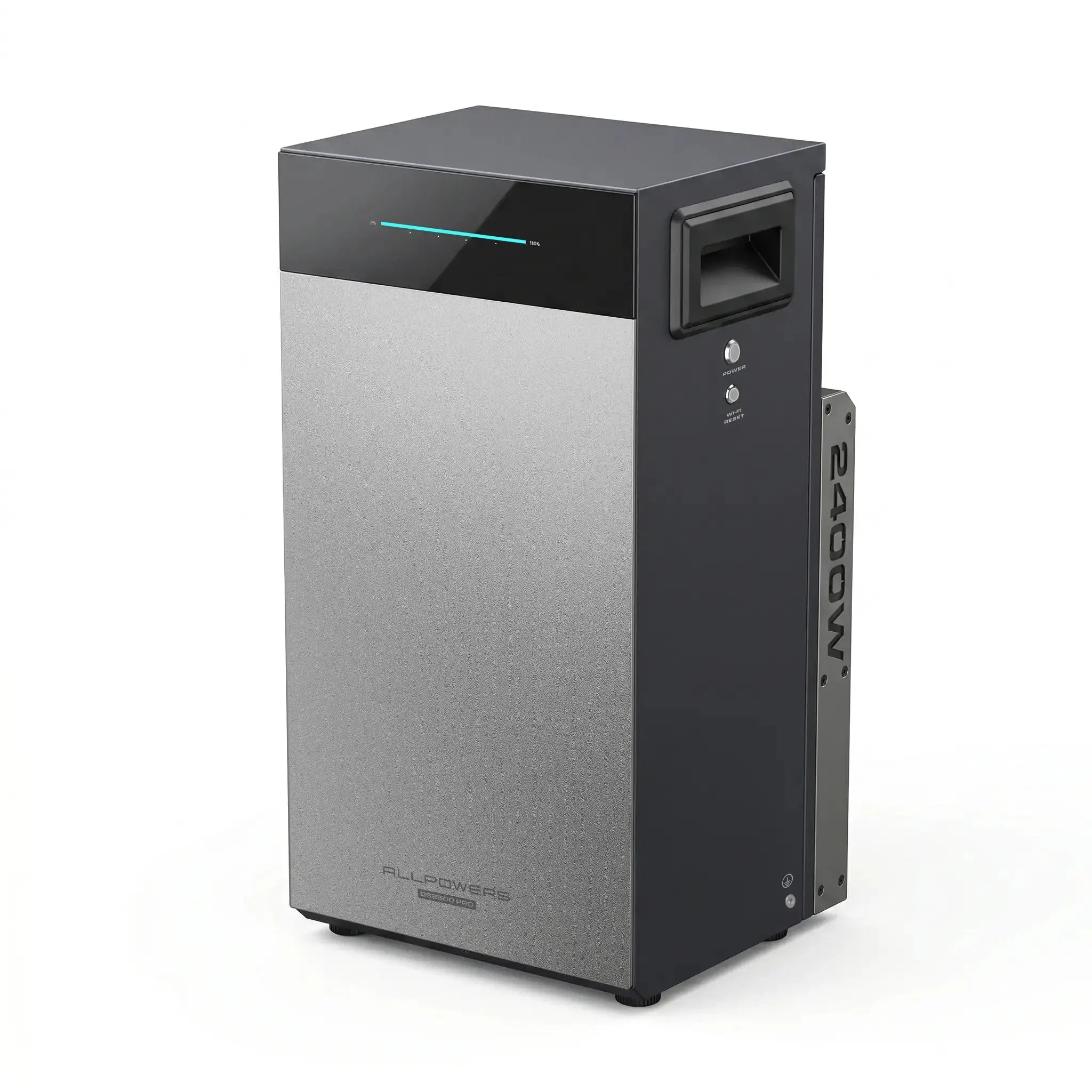
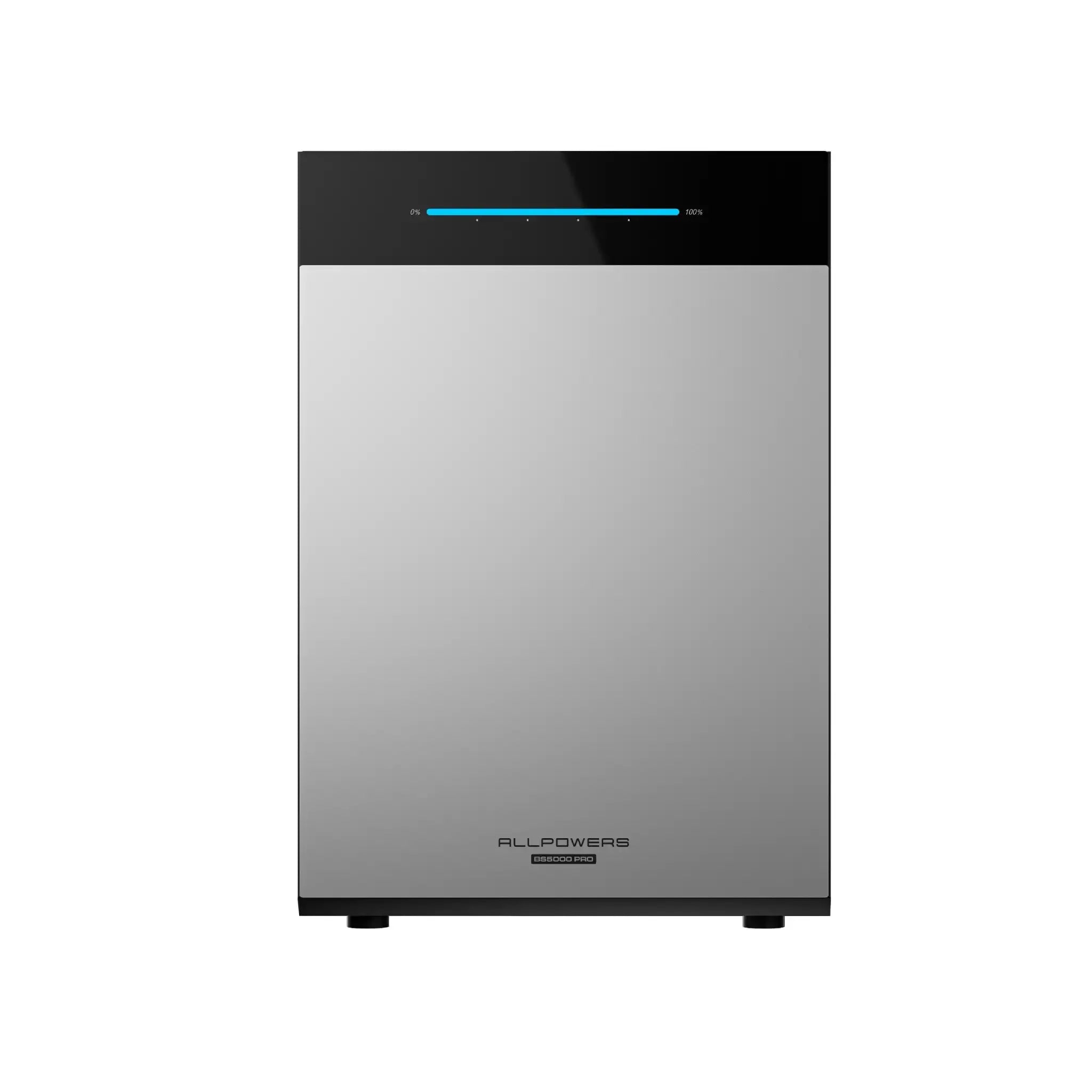
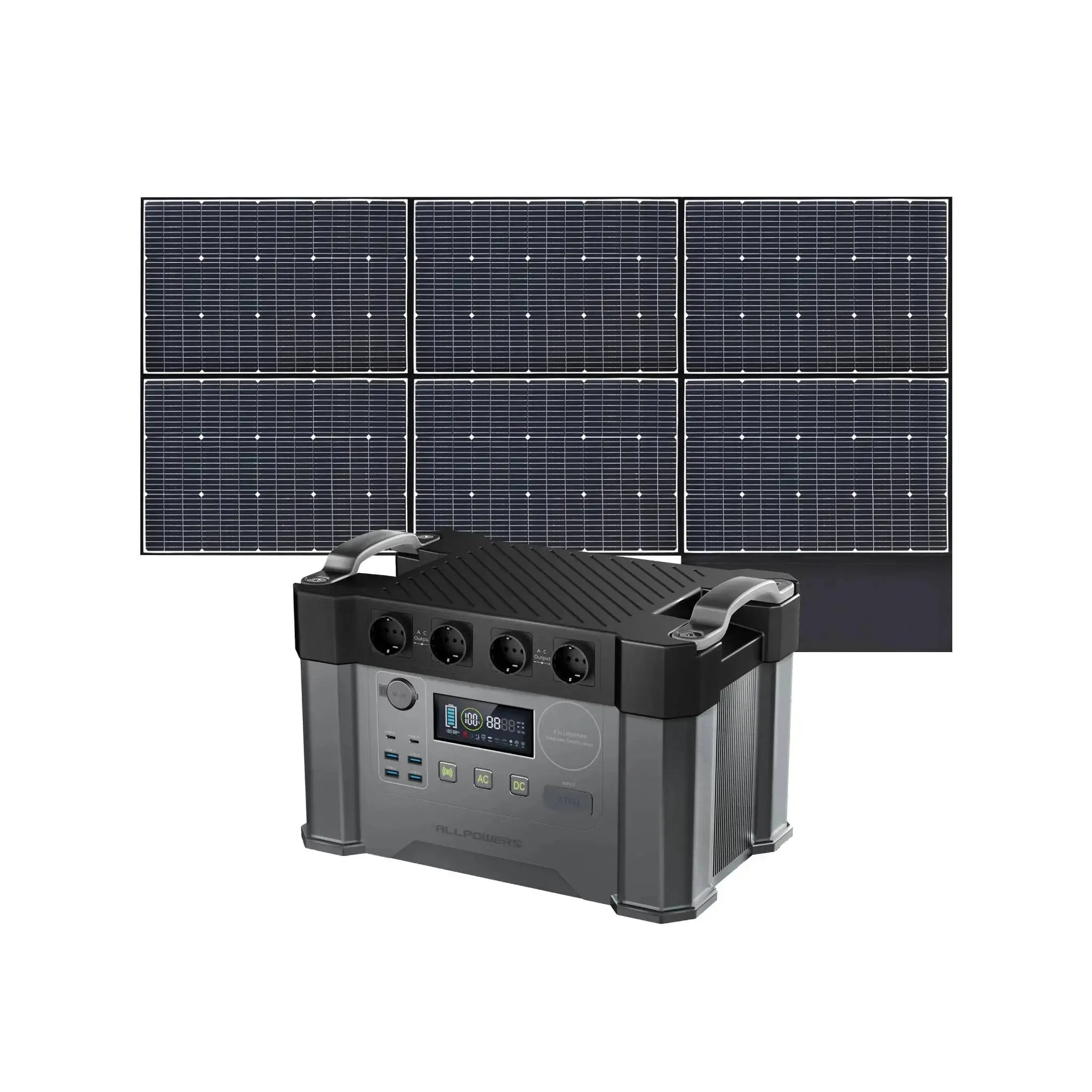
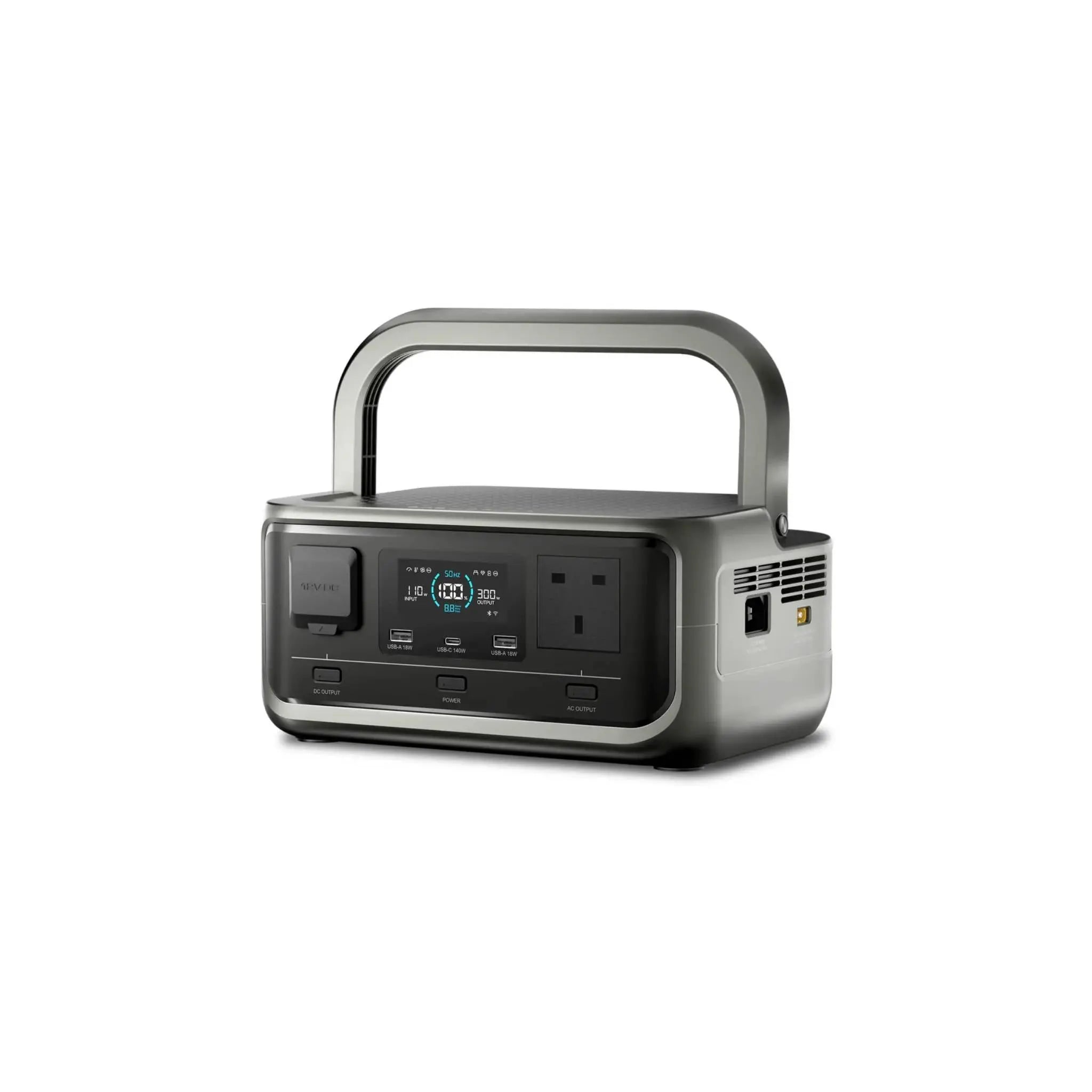
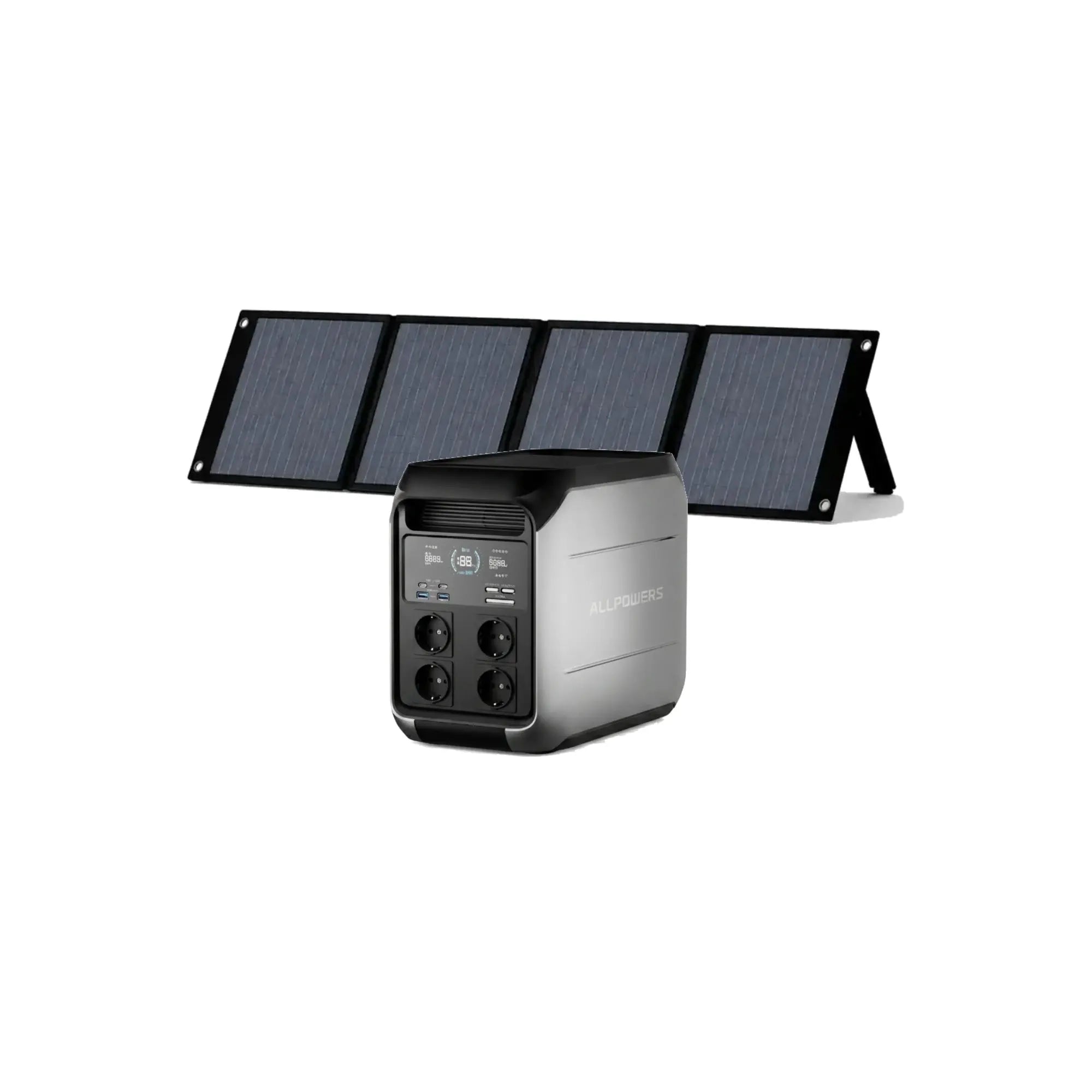
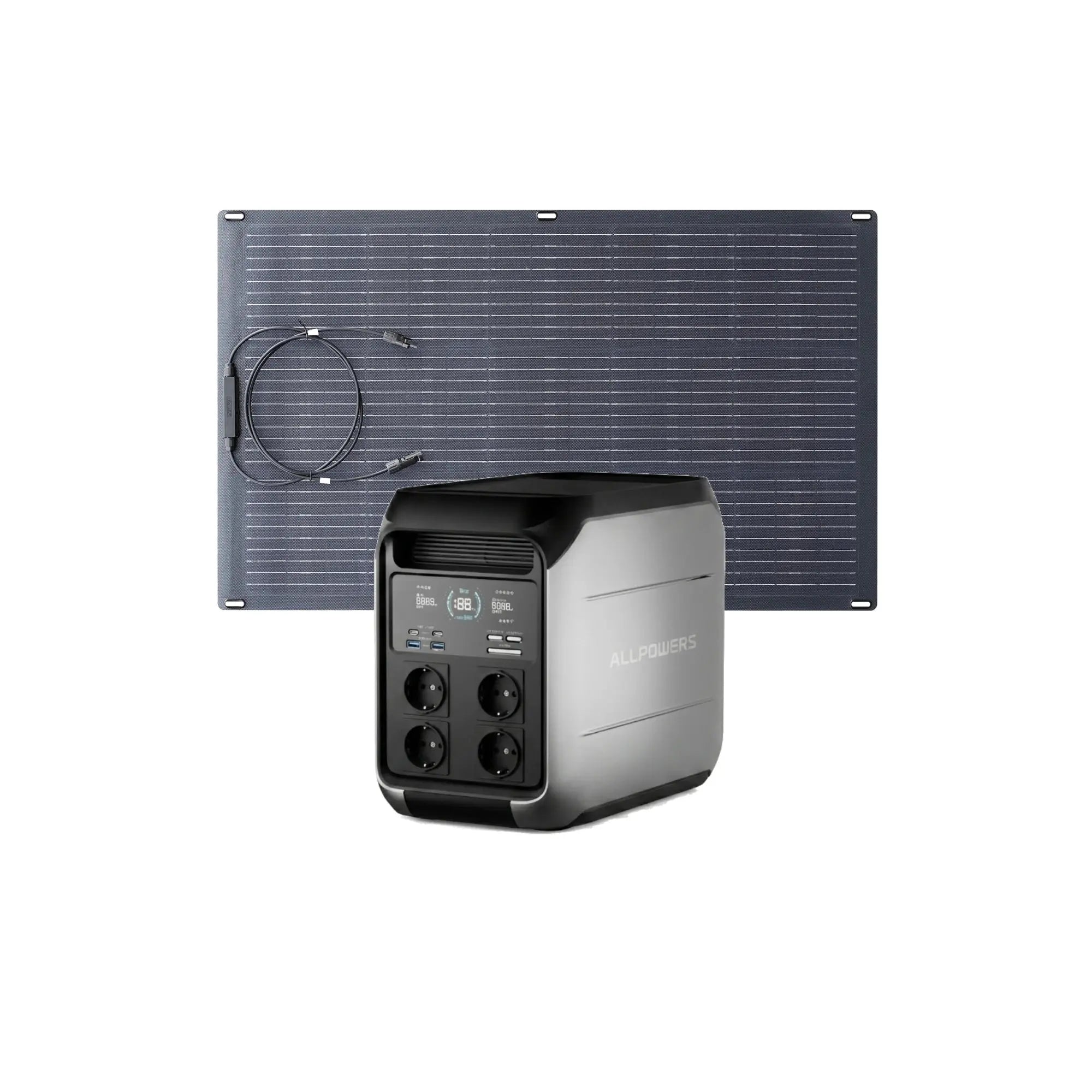
- Compatible with the new generation of ALLPOWERS BS2500 PRO/BS5000 PRO energy devices
- View device status and operational data in real time
ALLPOWERS
Classic ALLPOWERS Device Control App
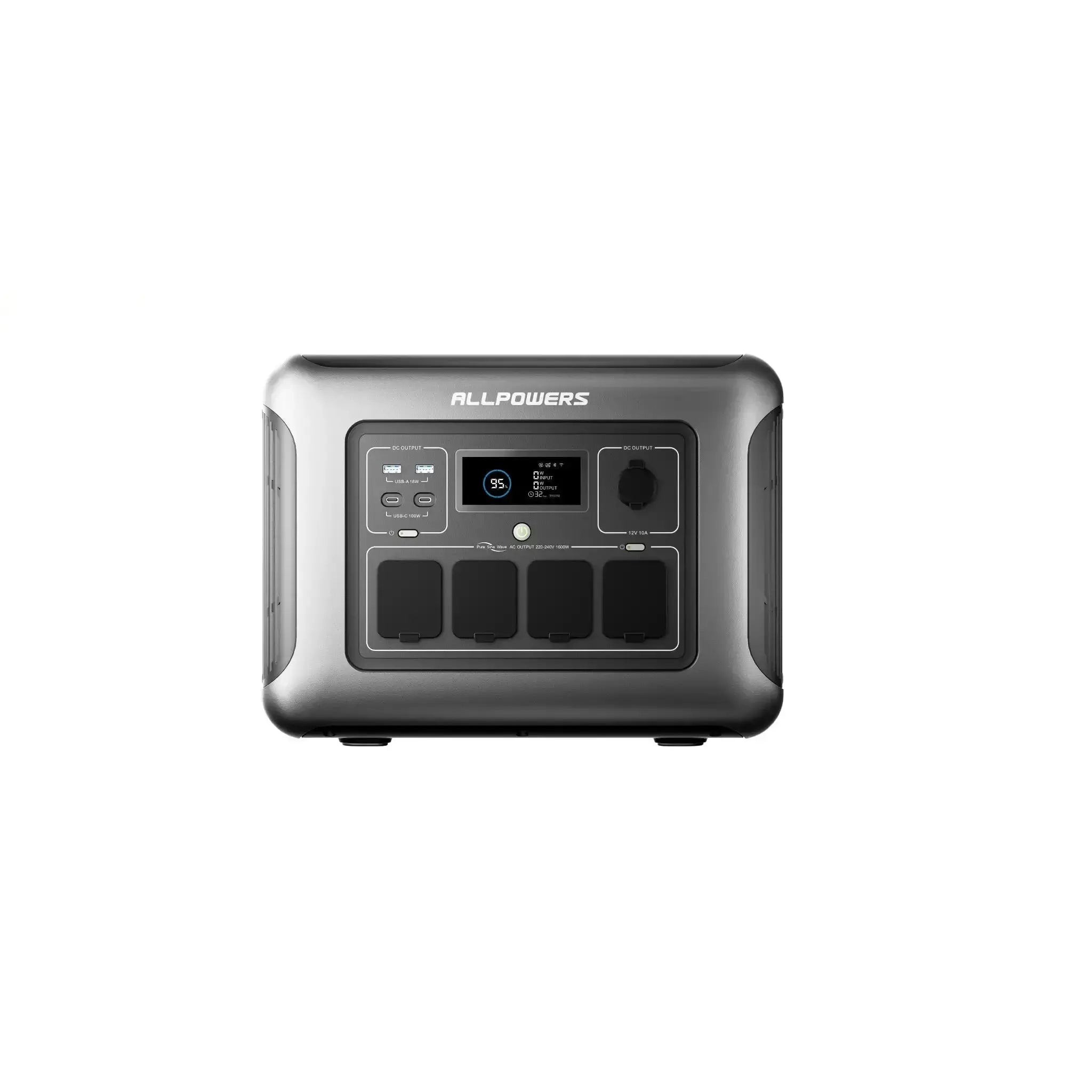
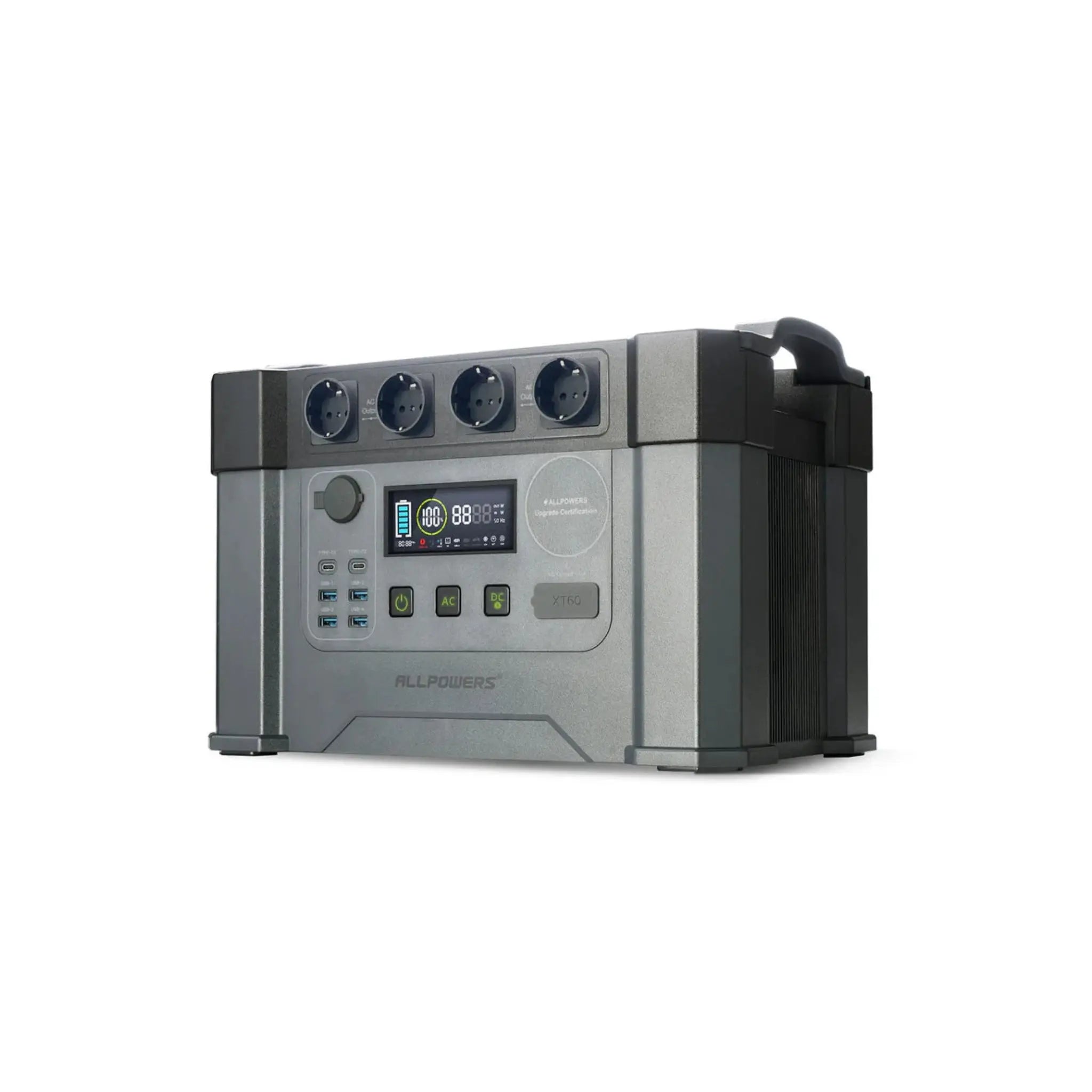
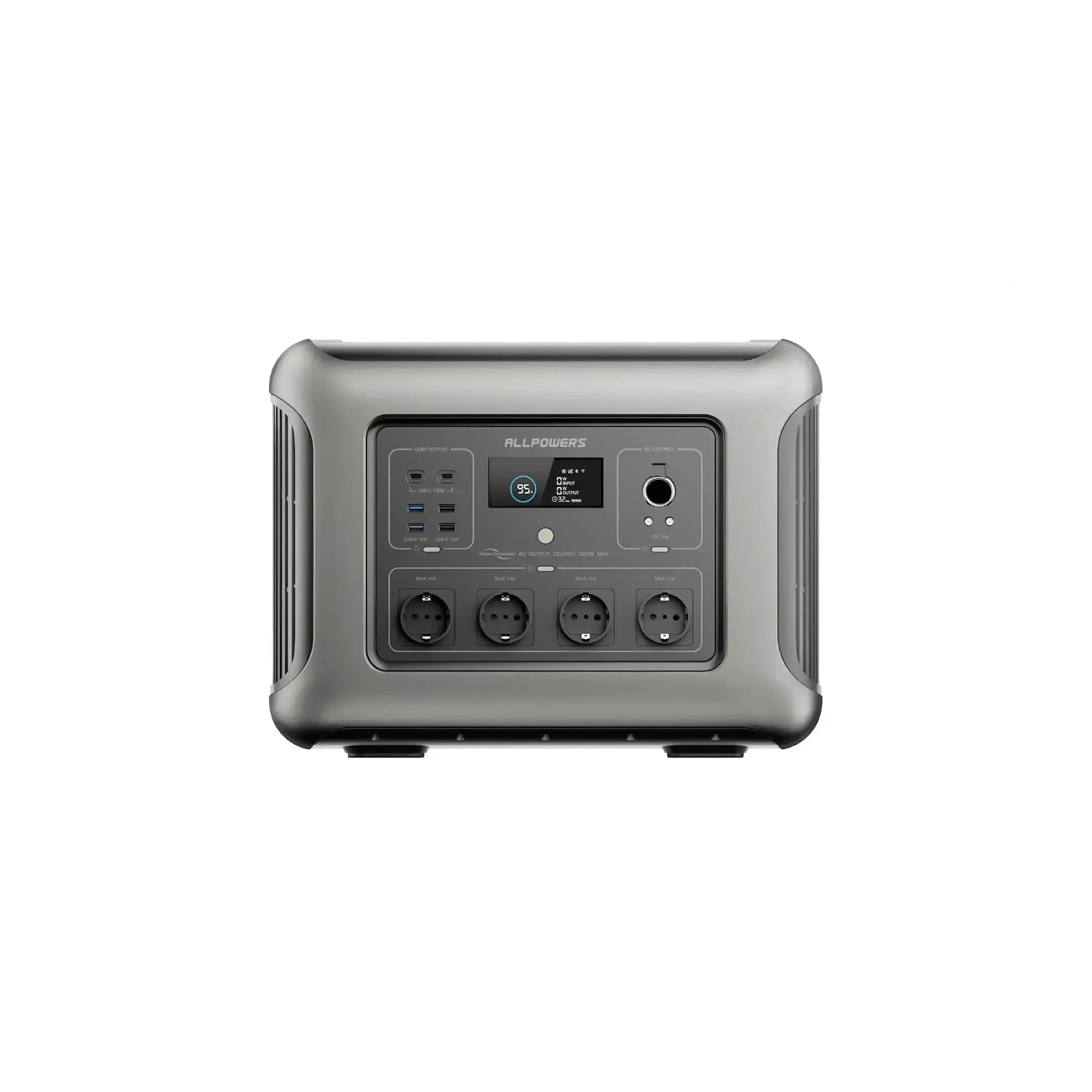
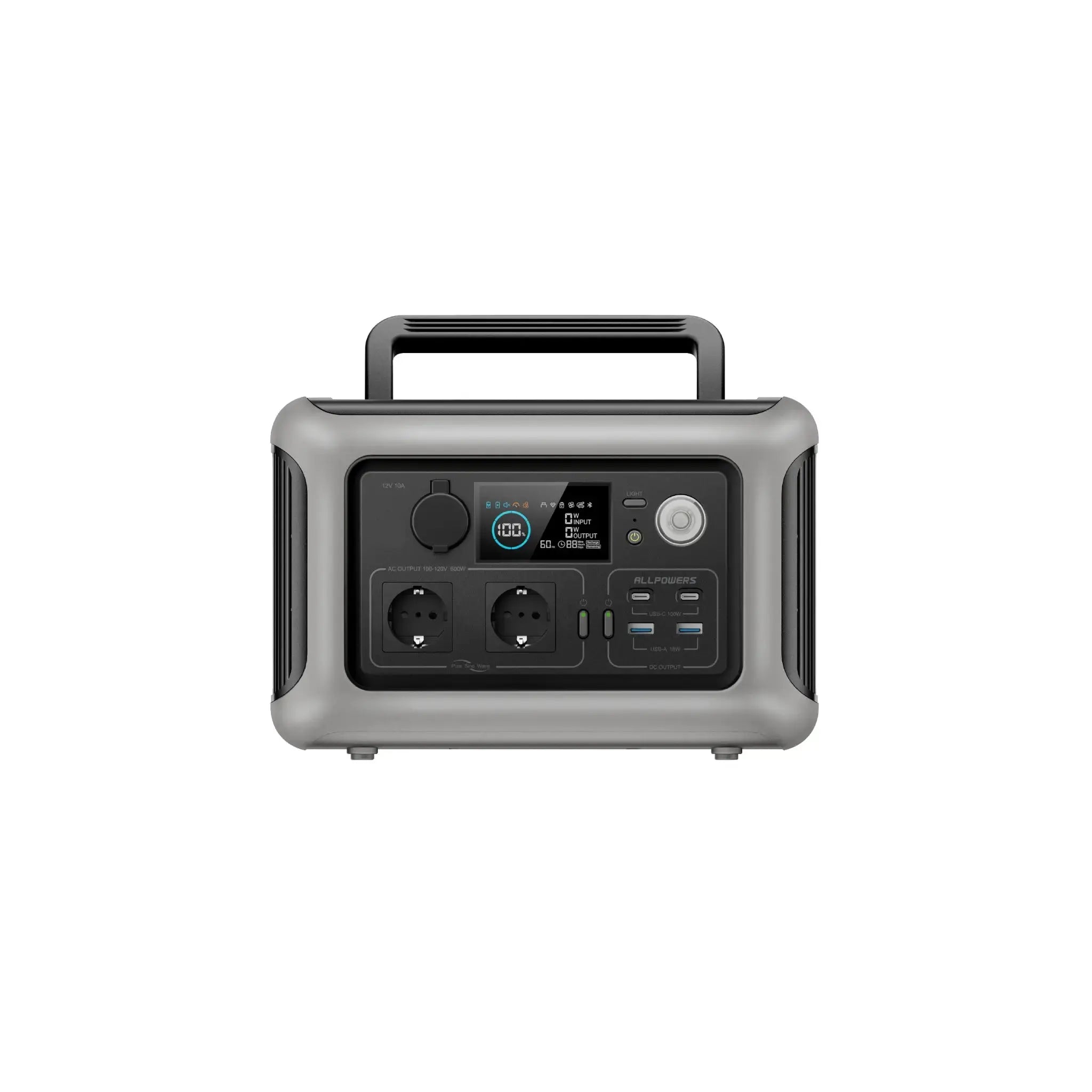
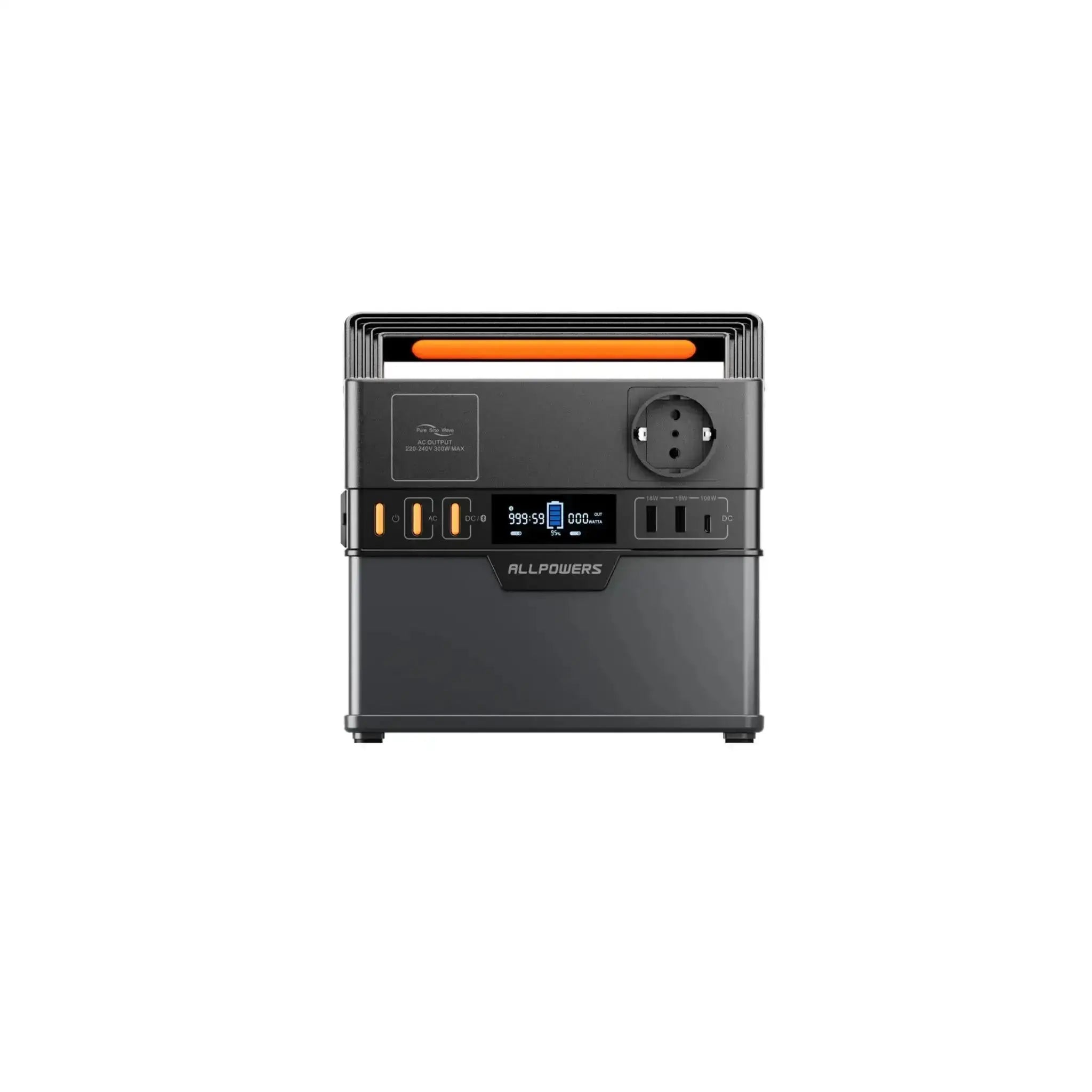
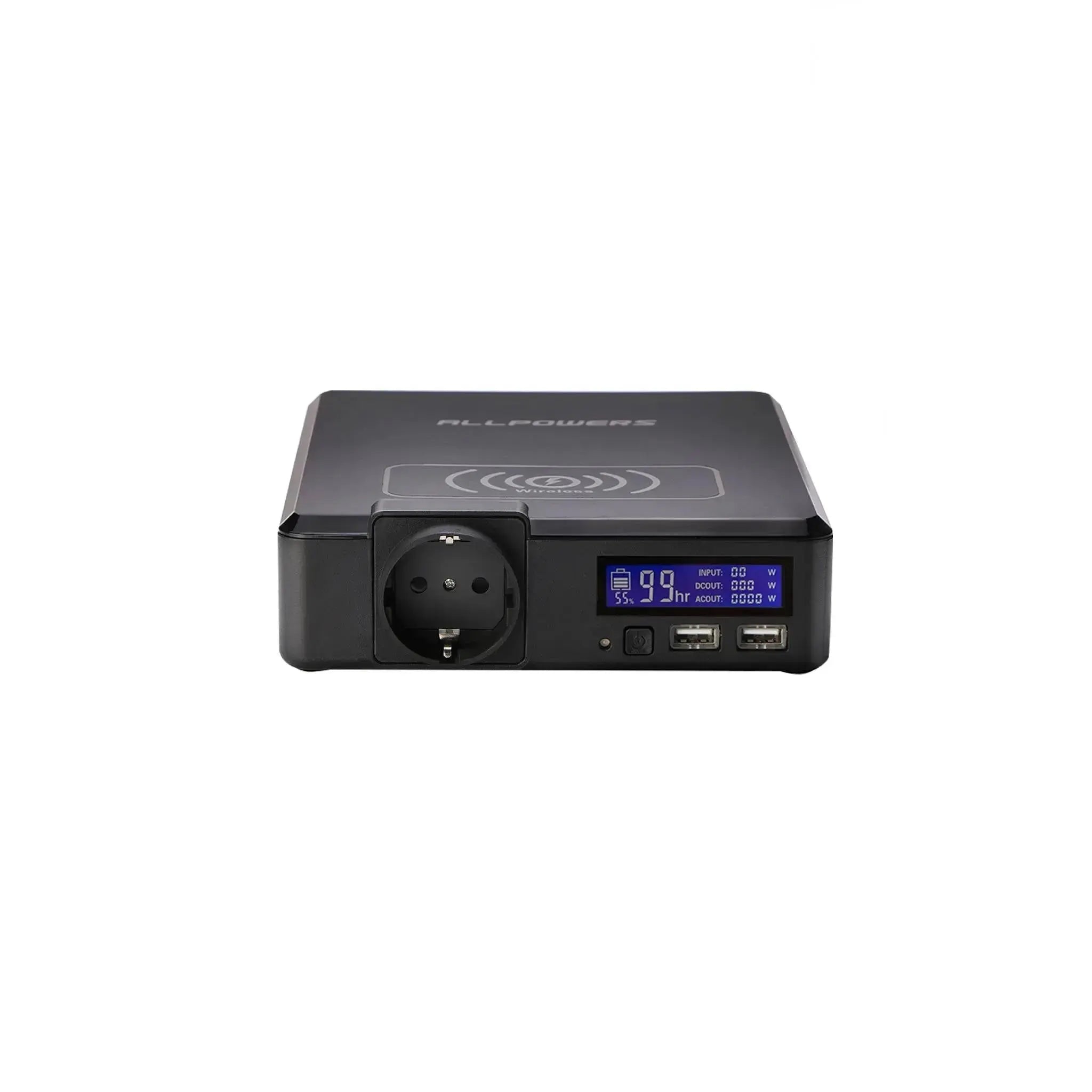
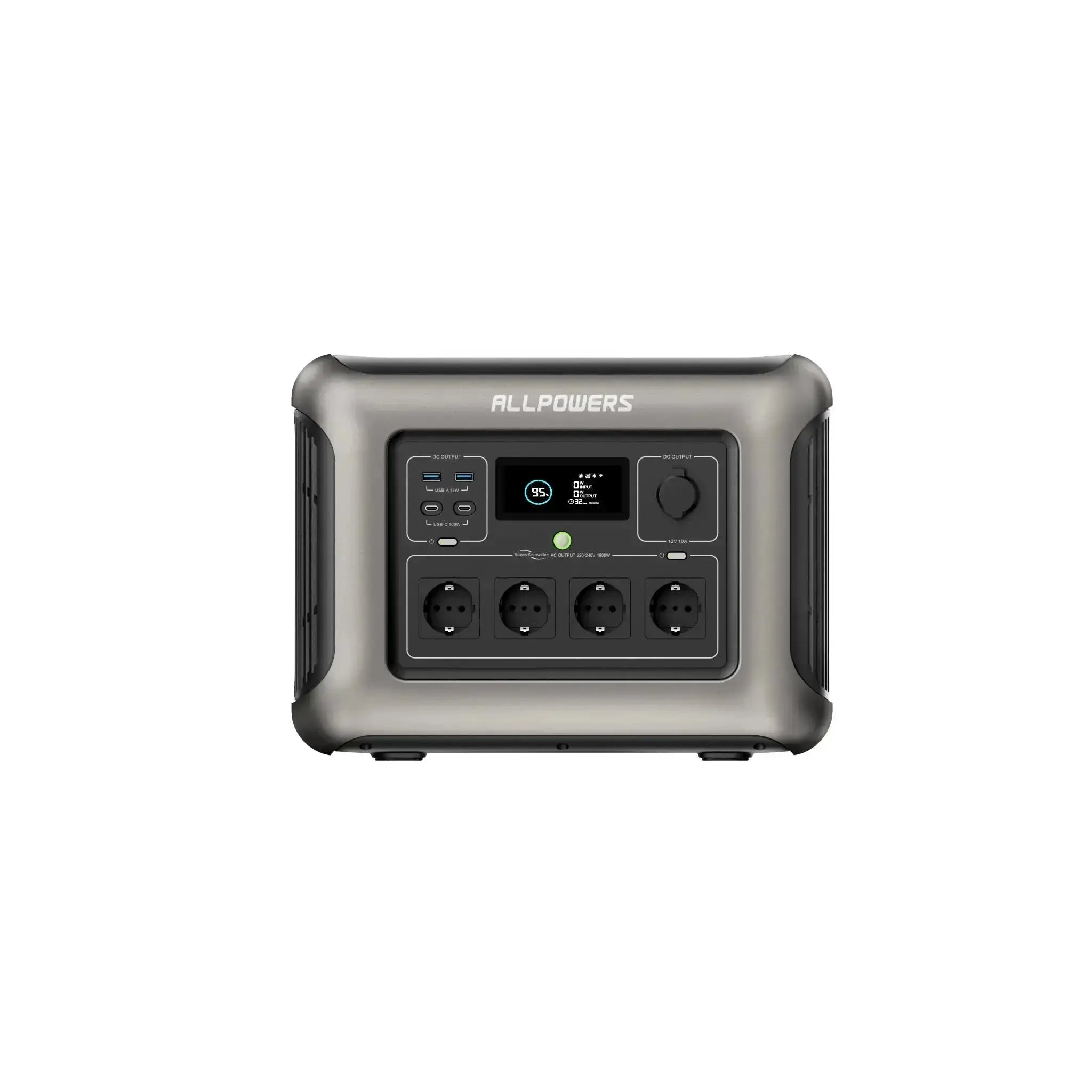
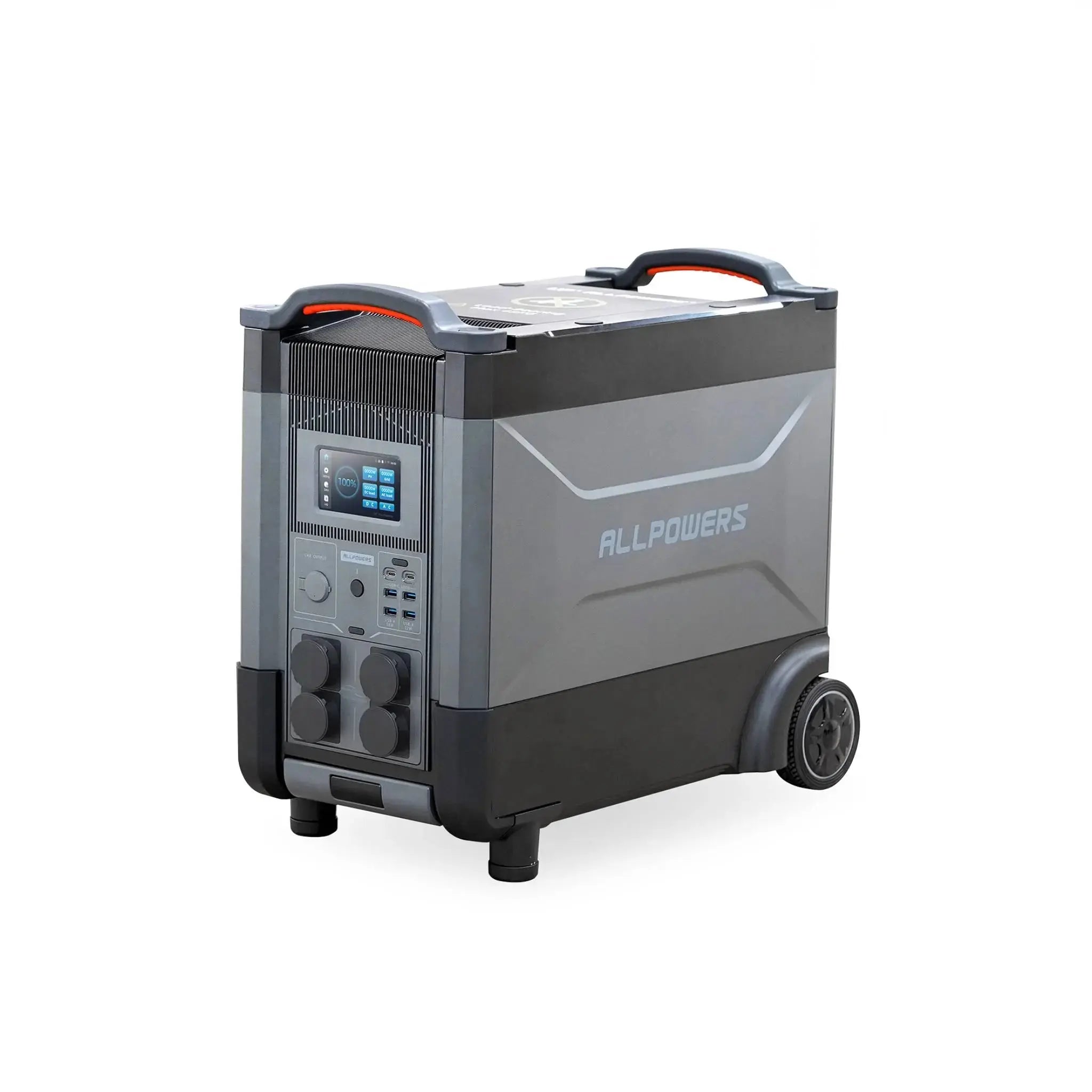
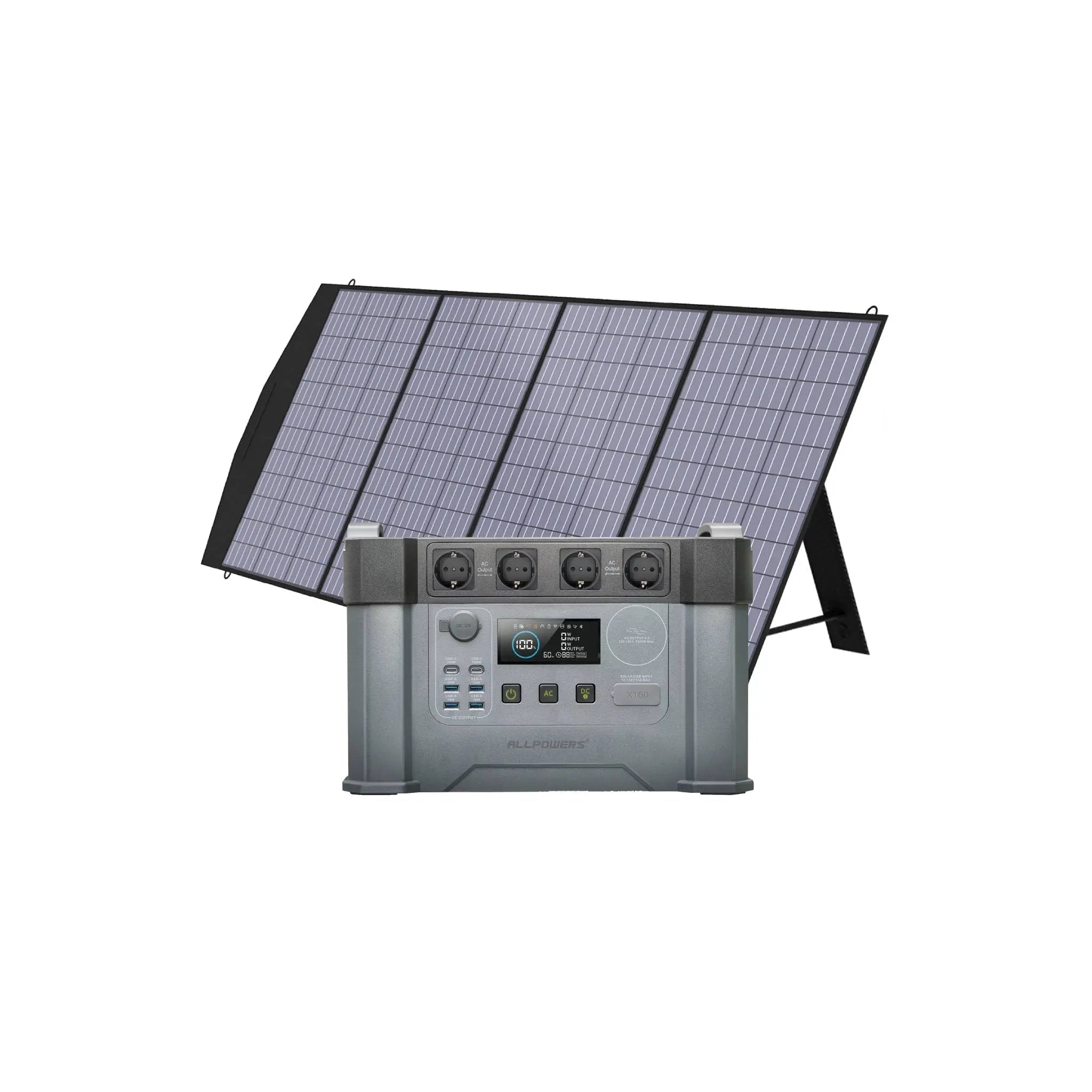
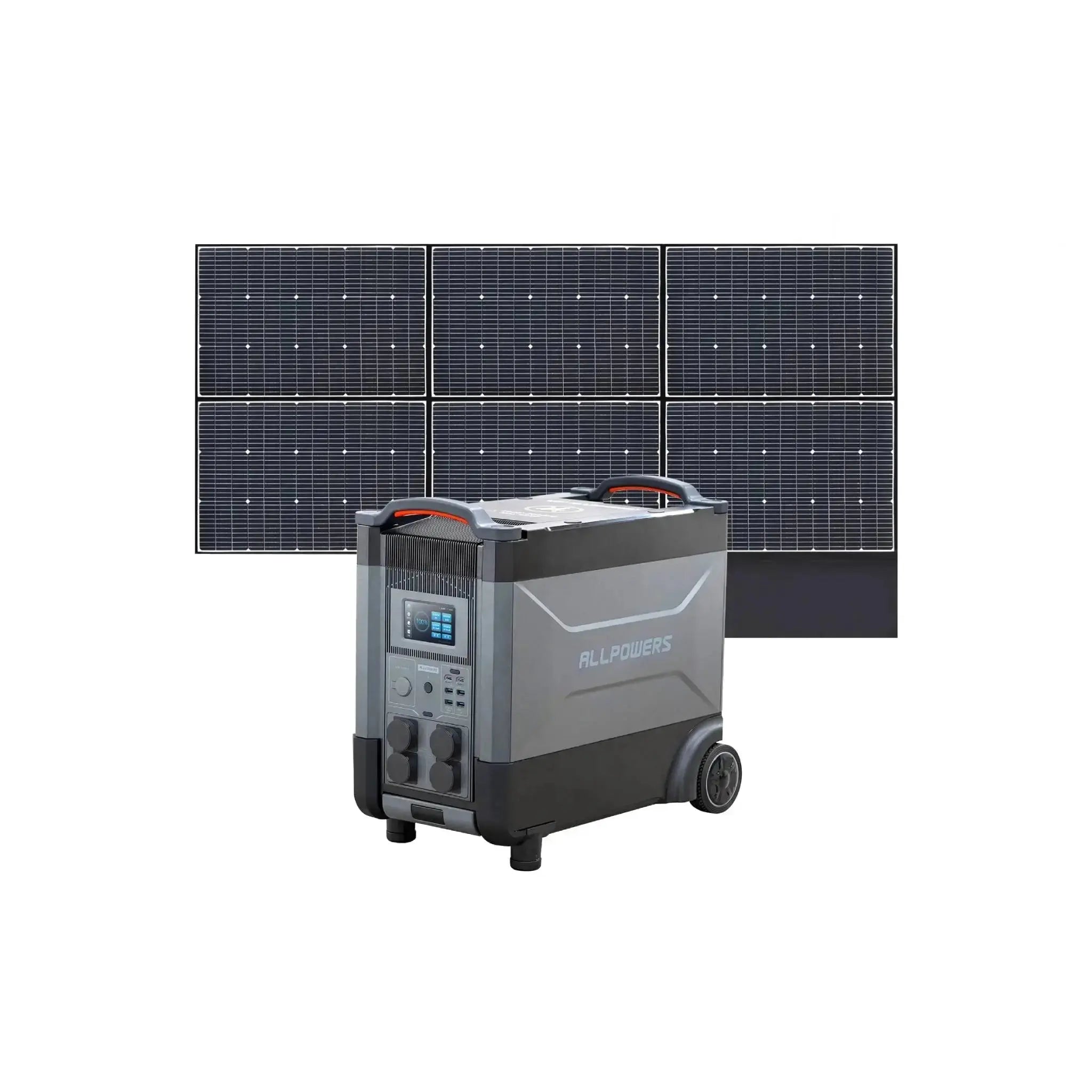
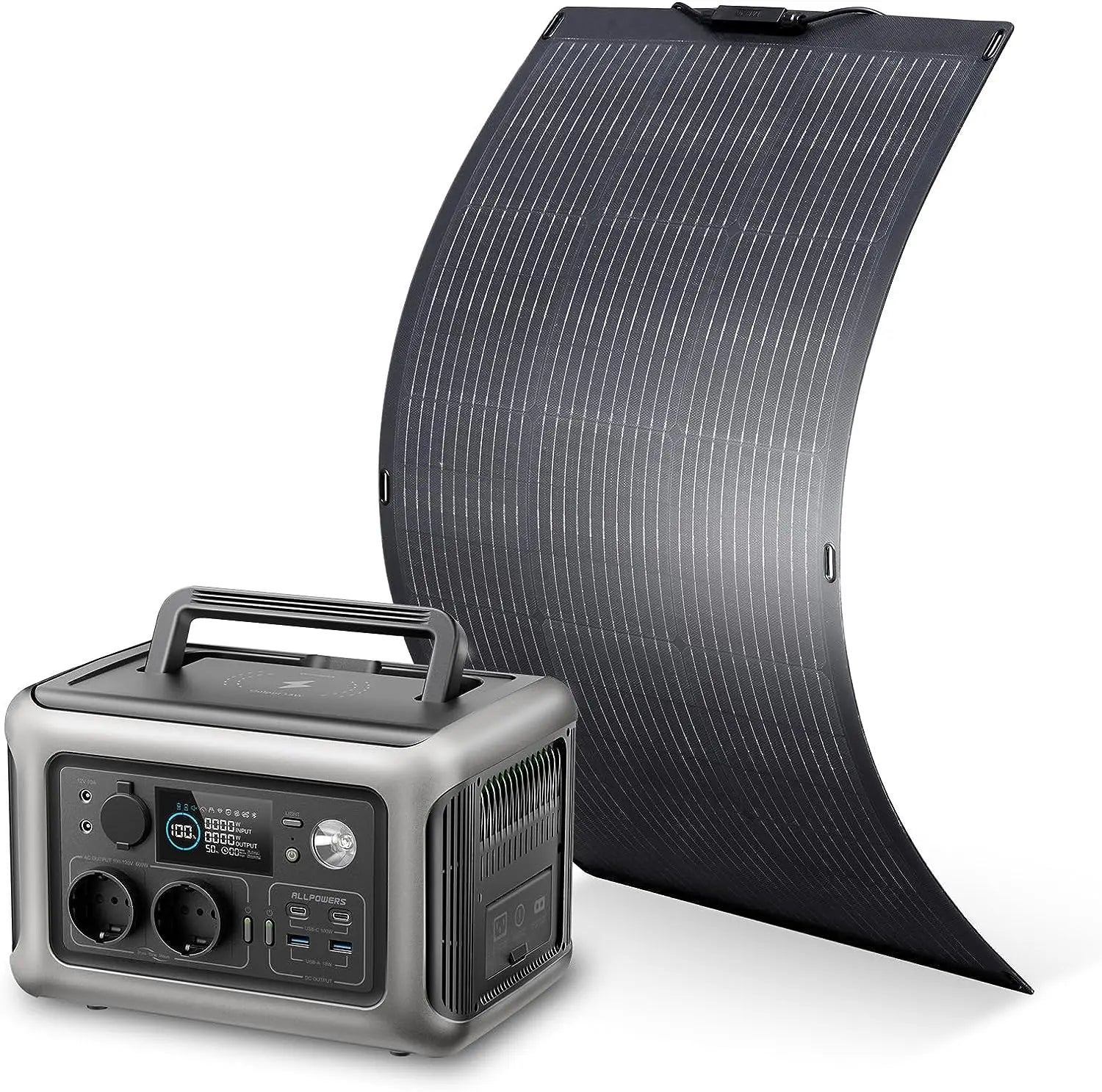
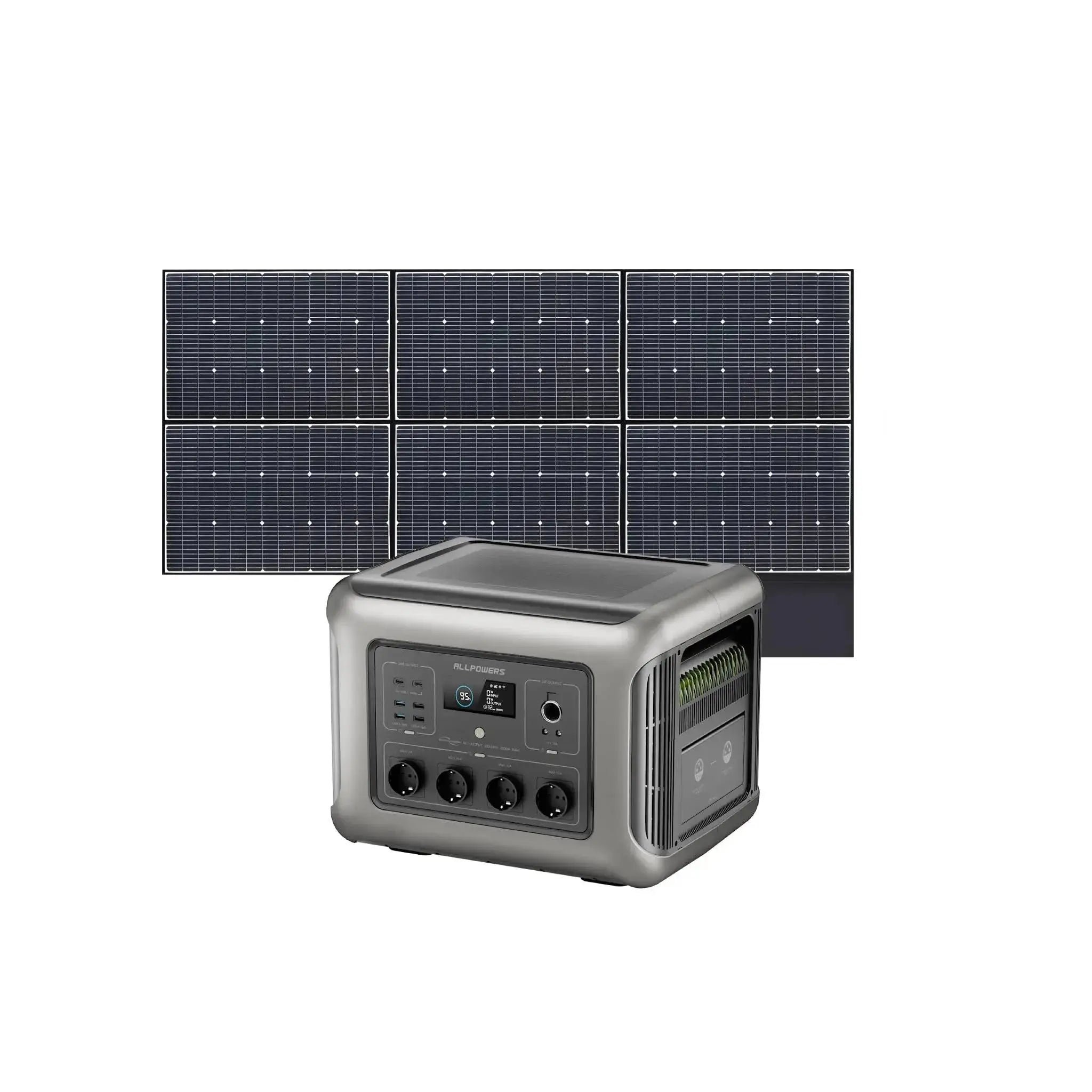
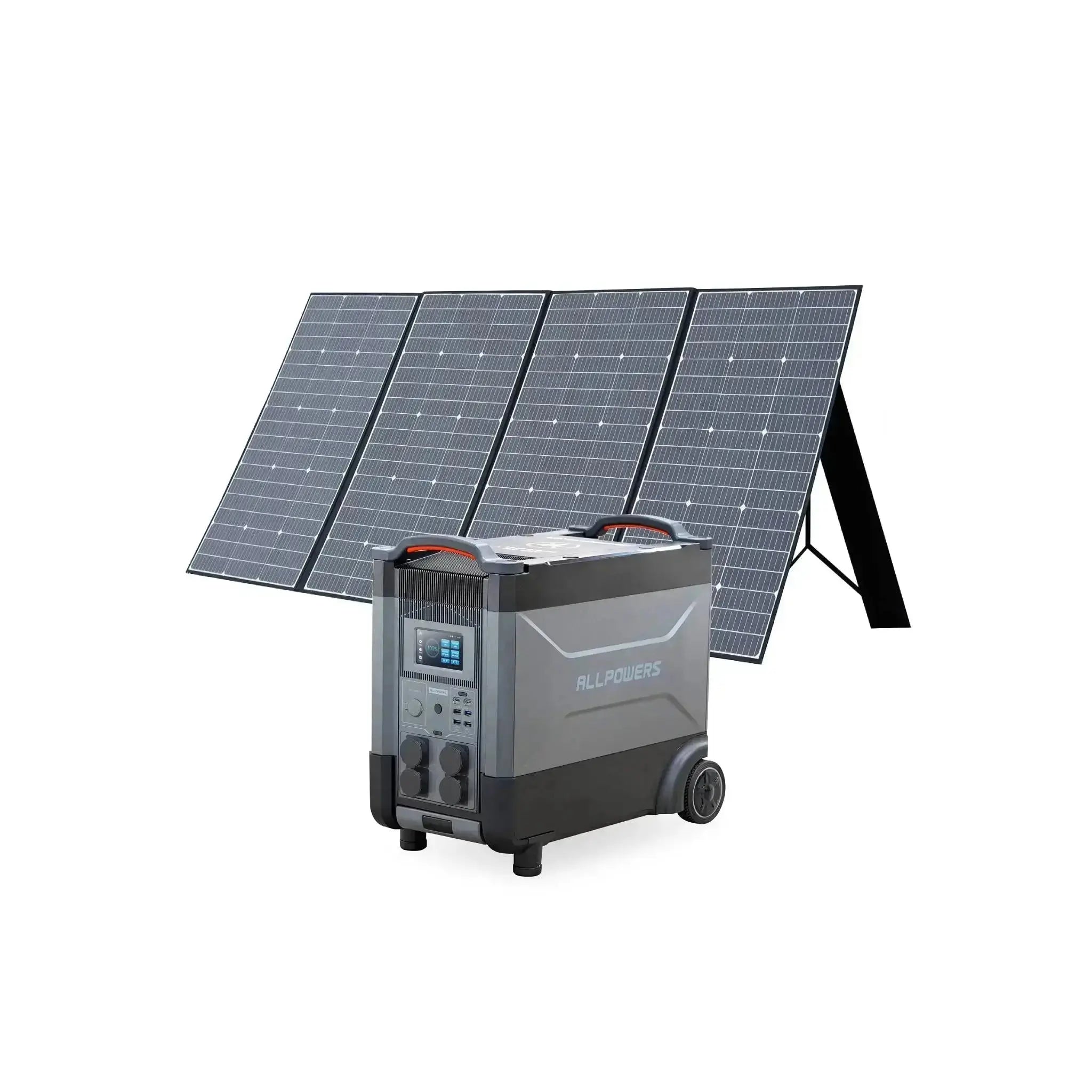
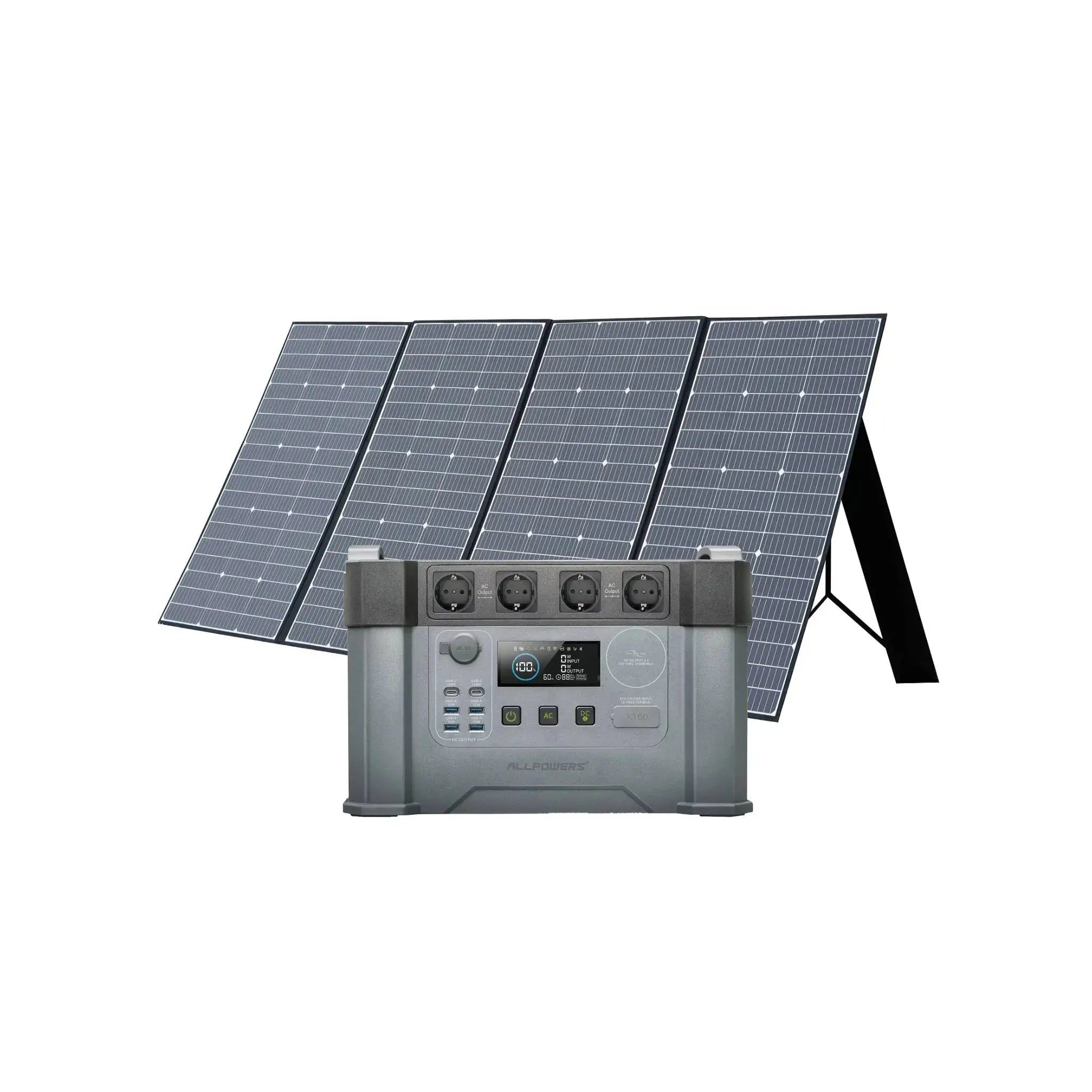
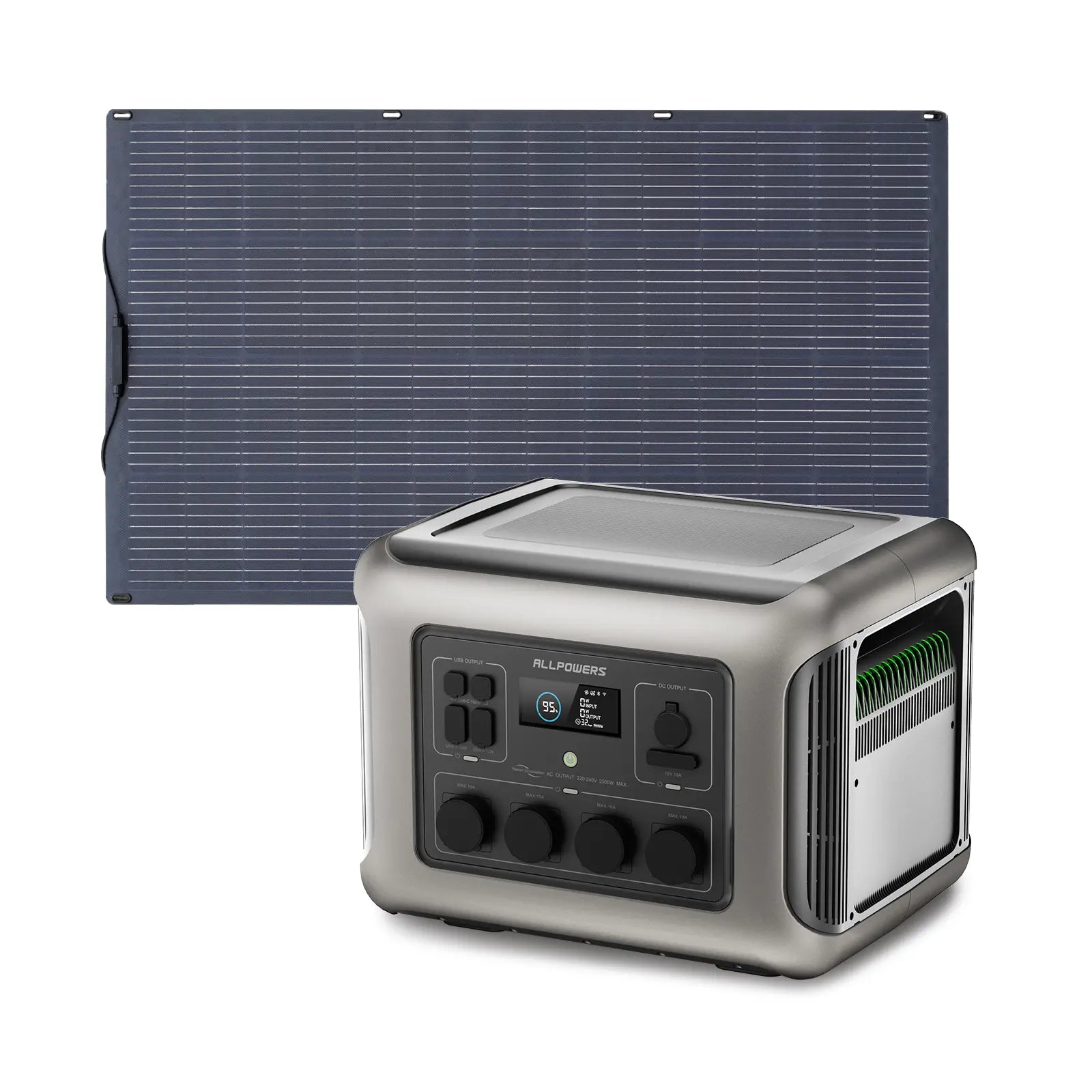
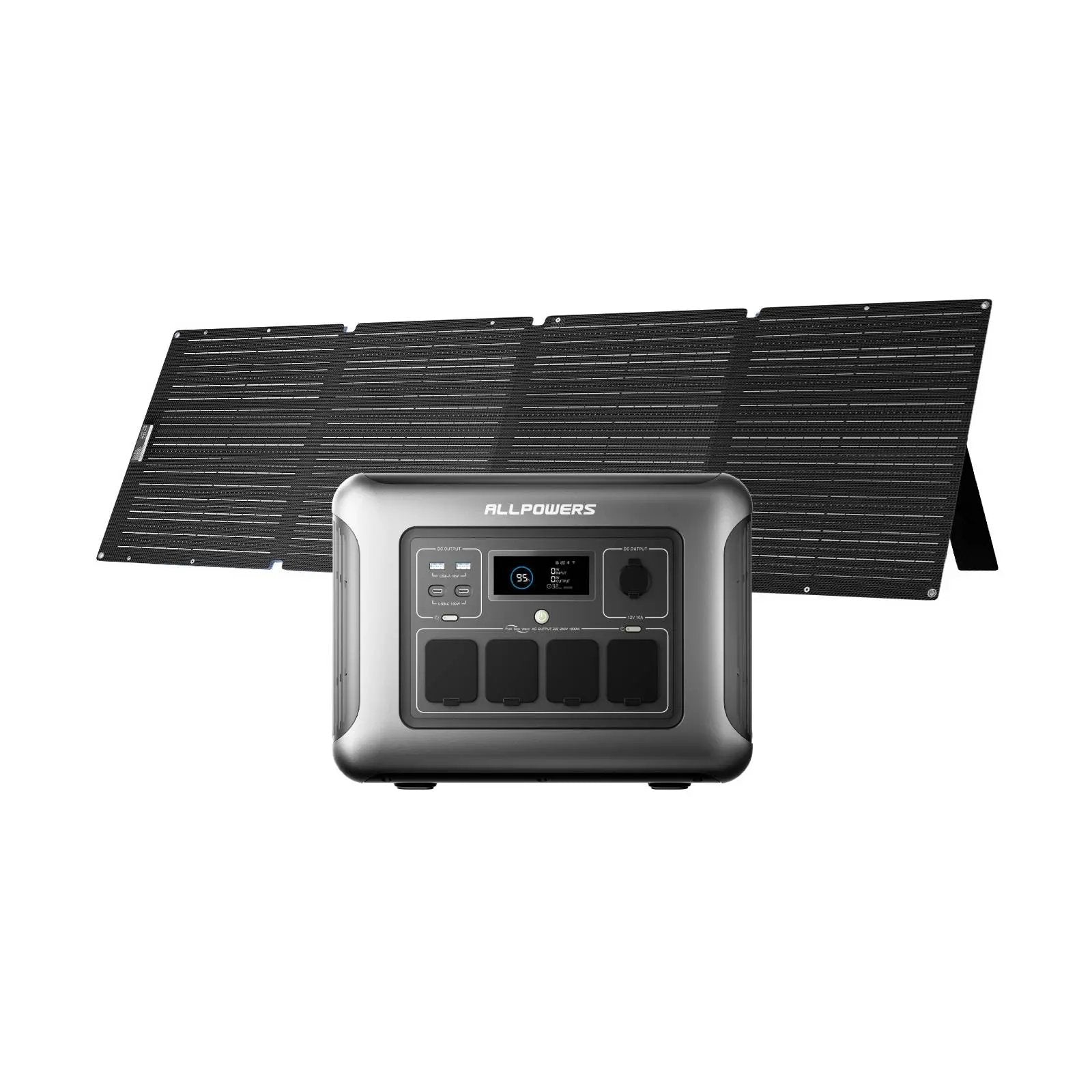
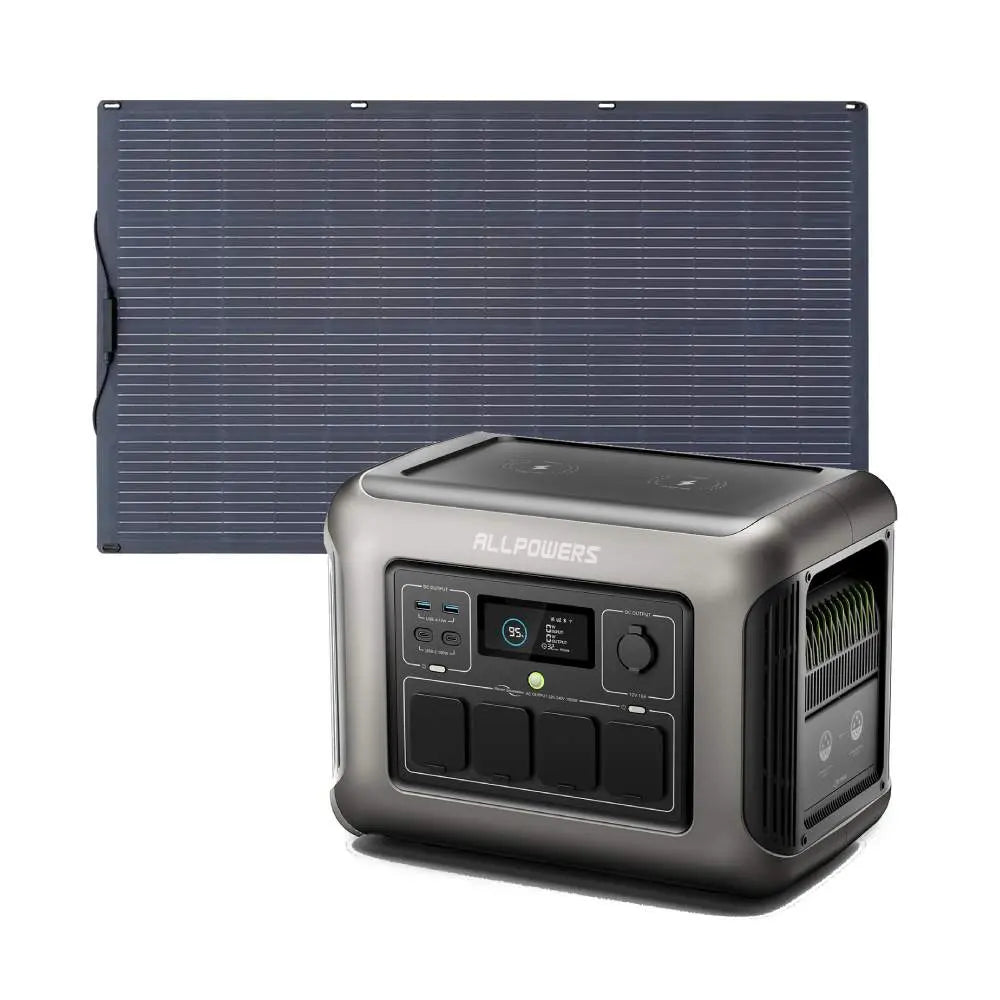
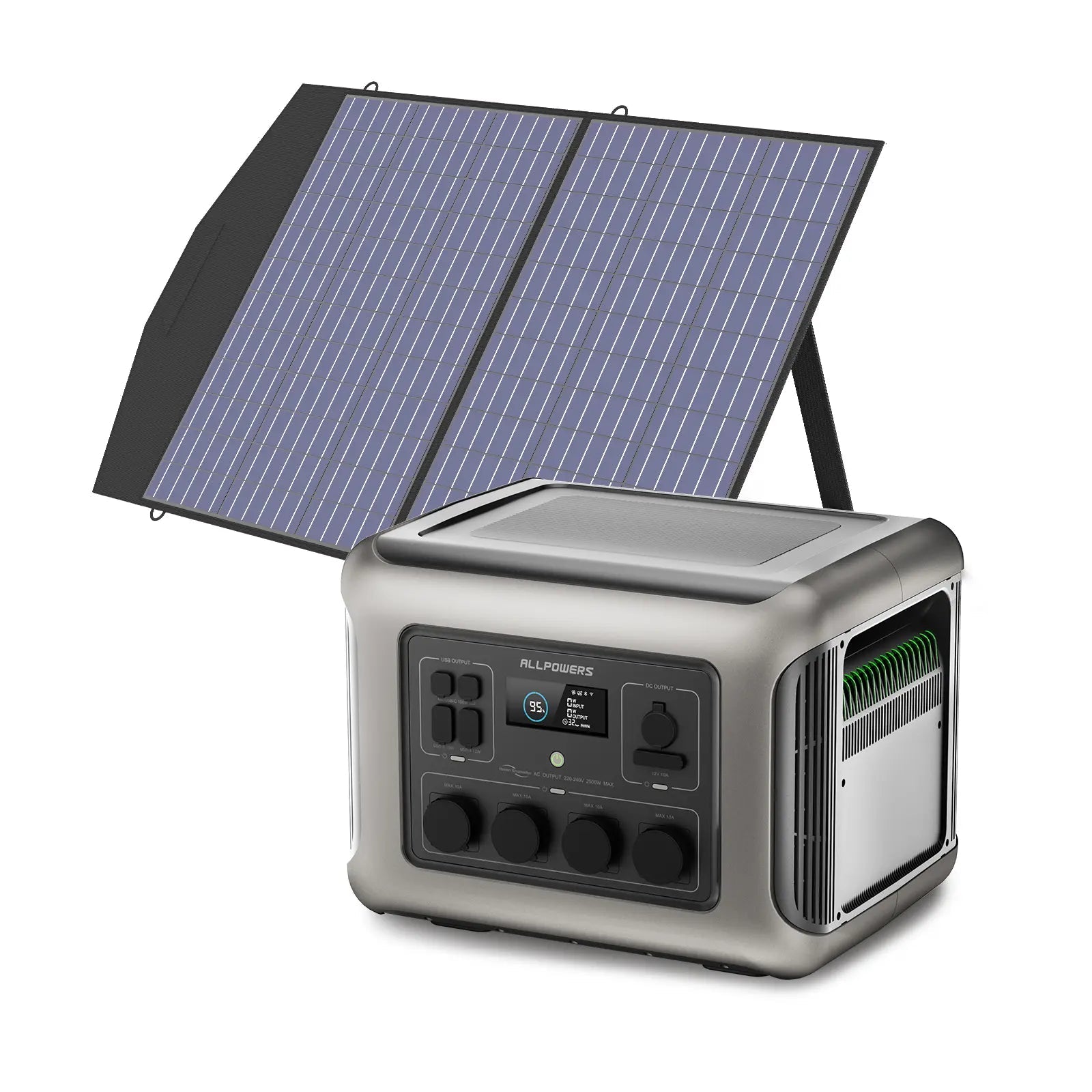
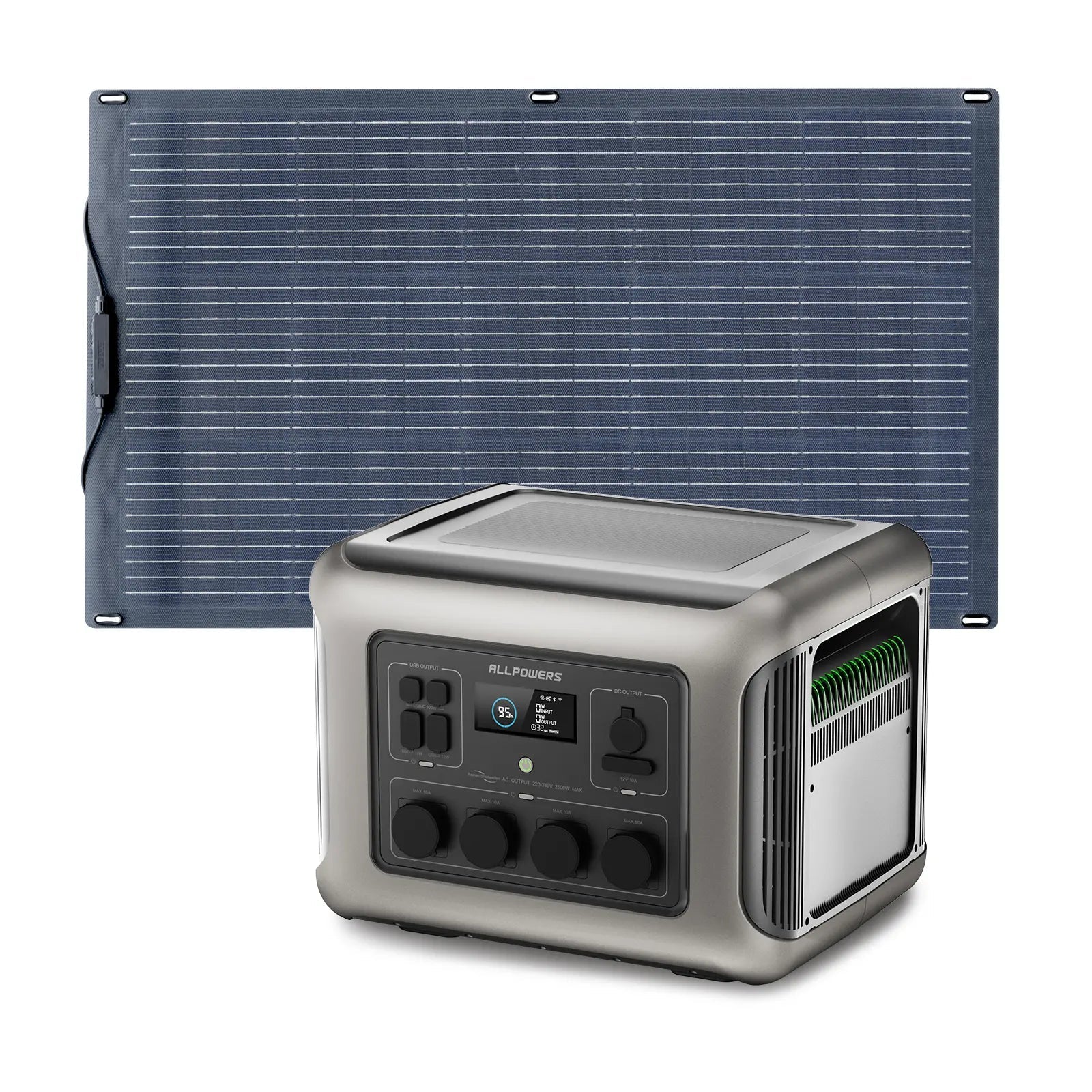
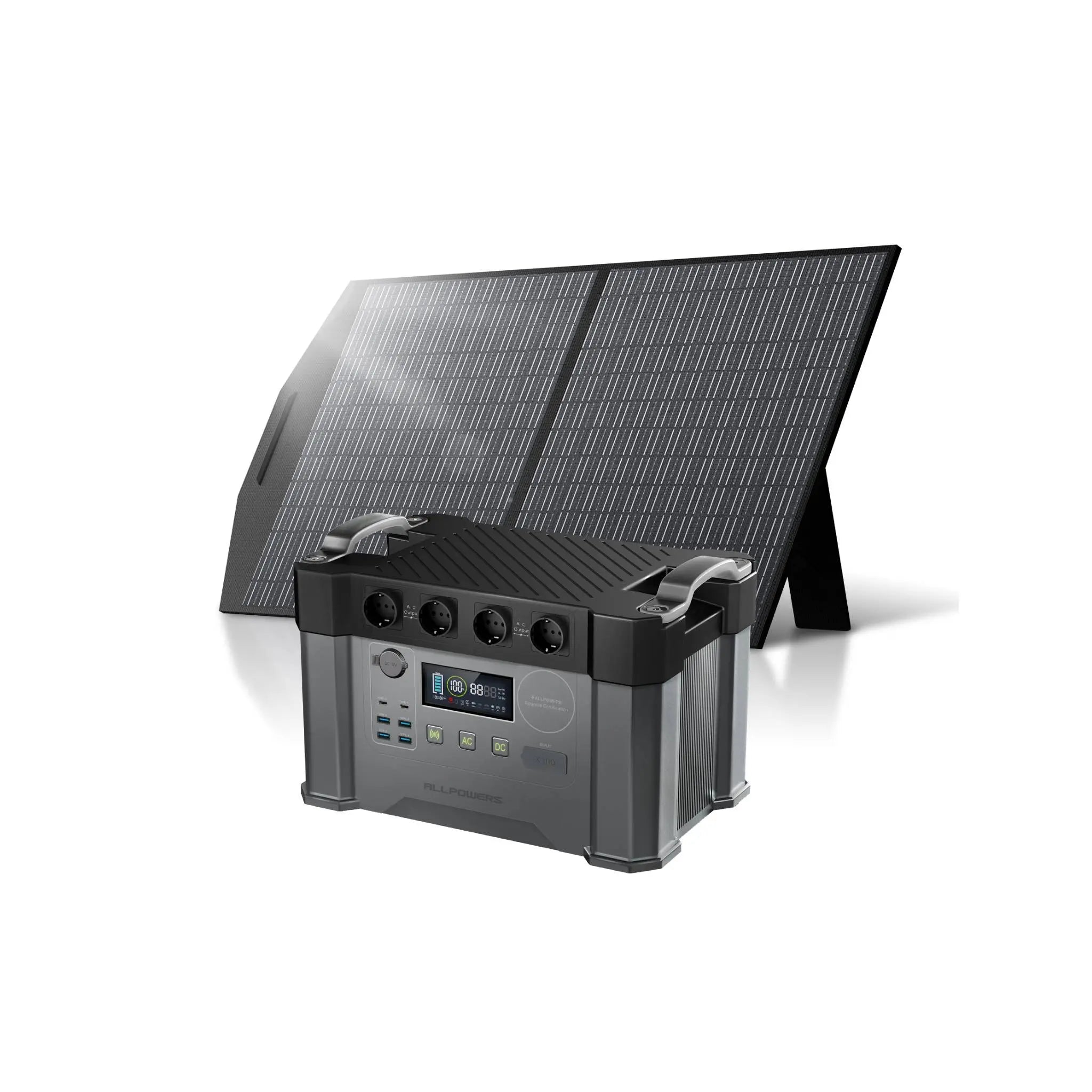
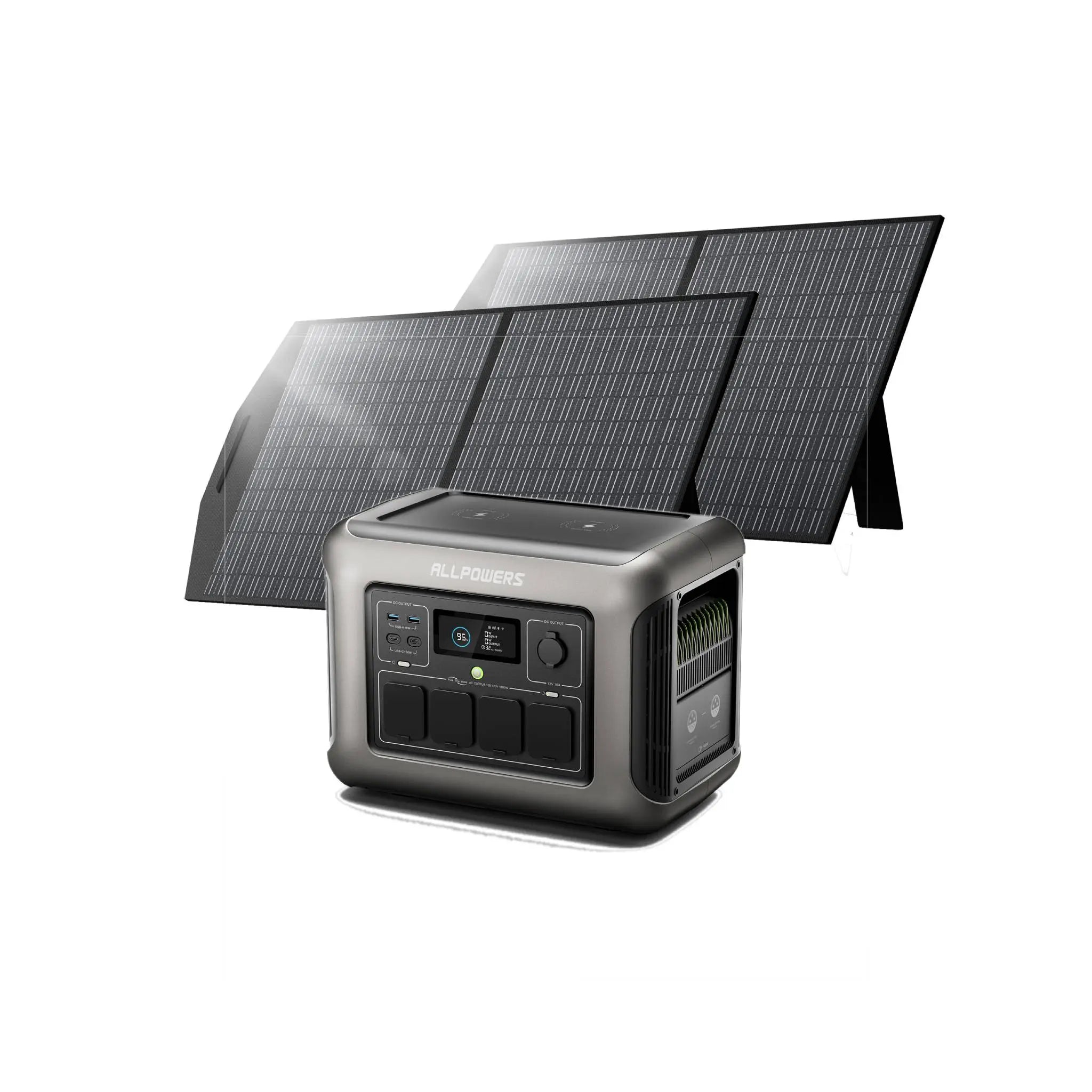
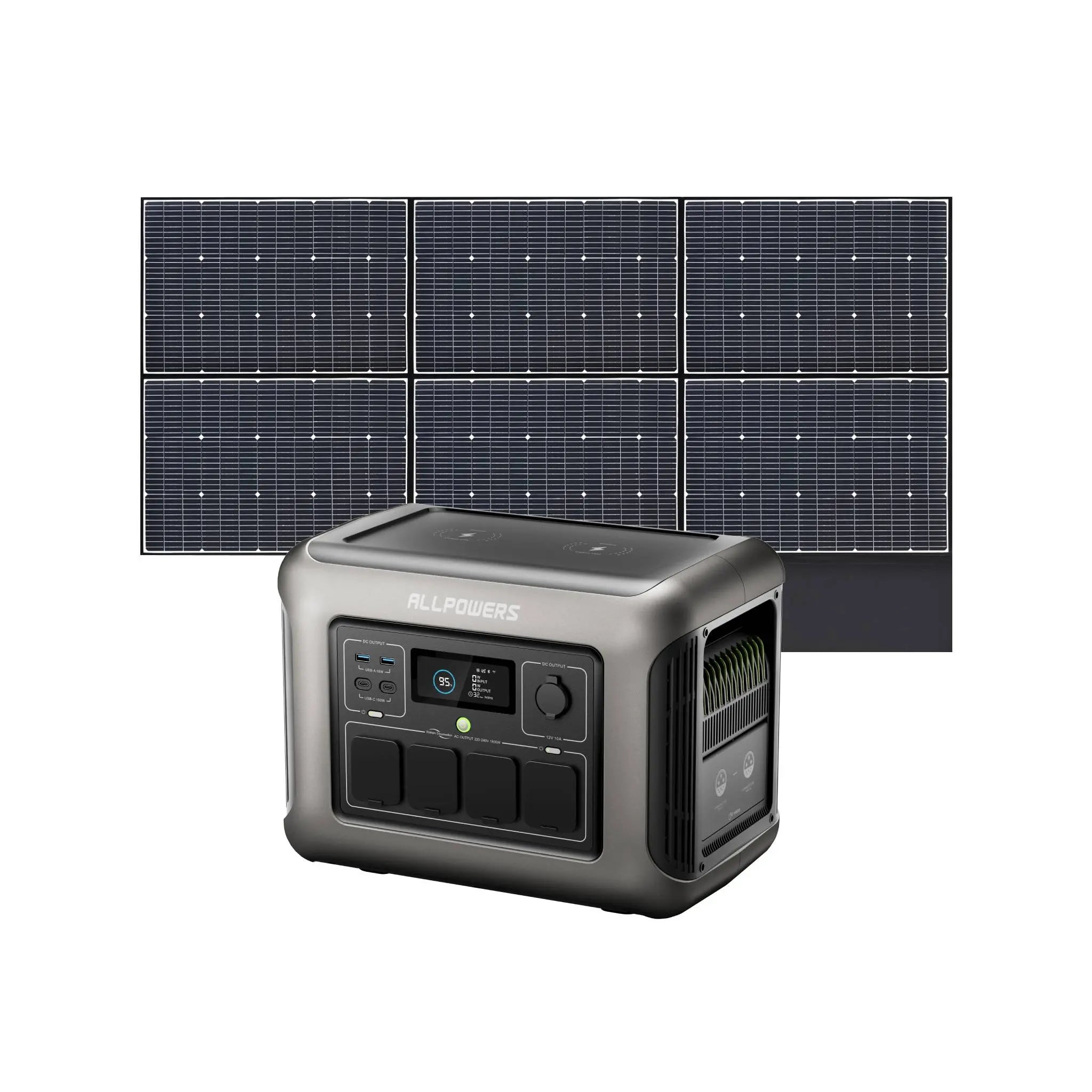
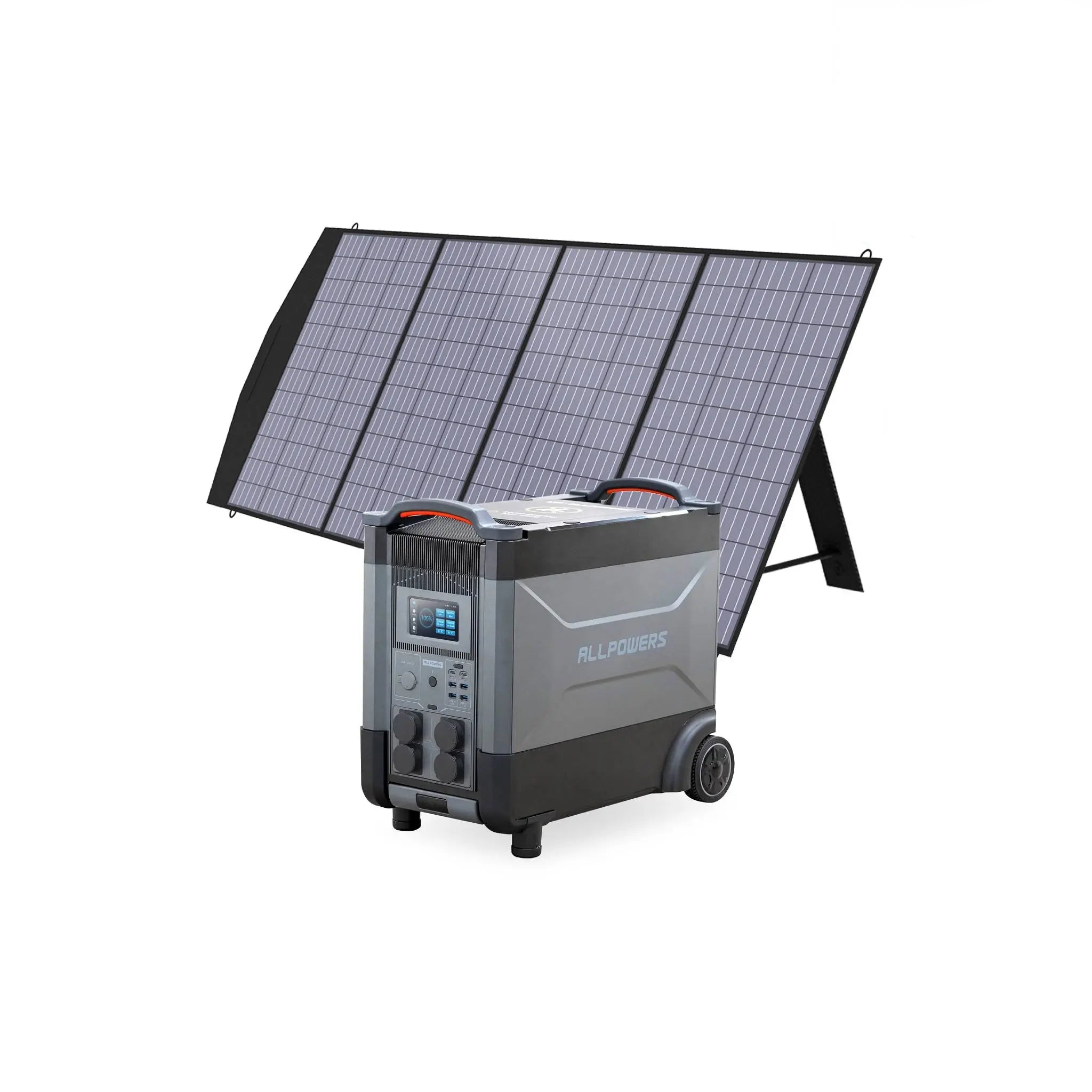
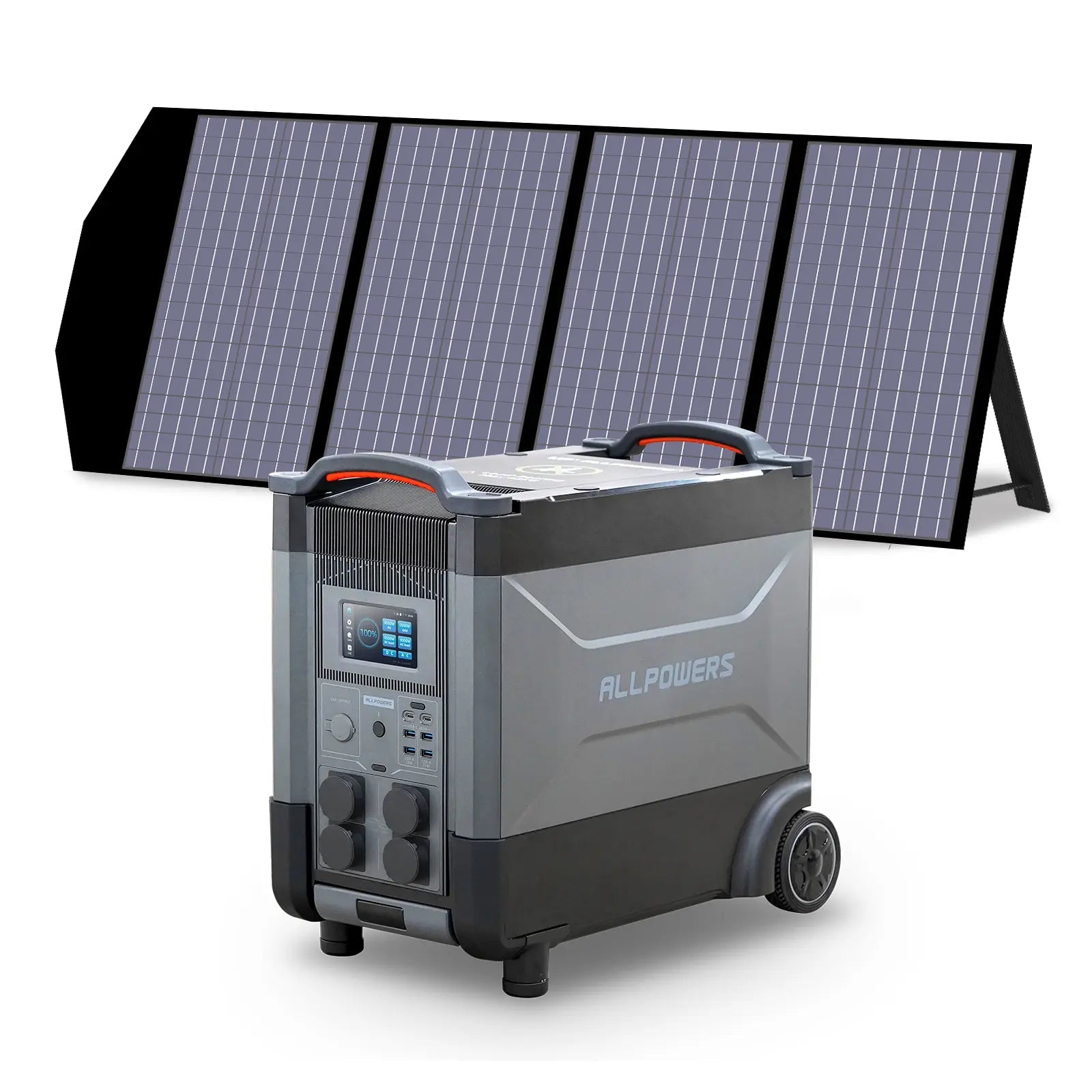
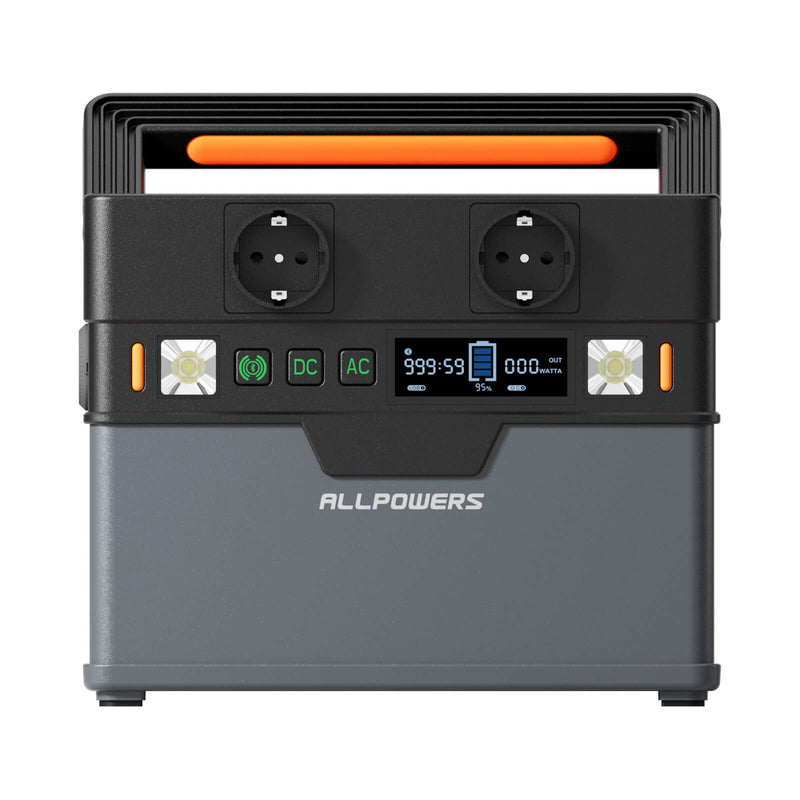
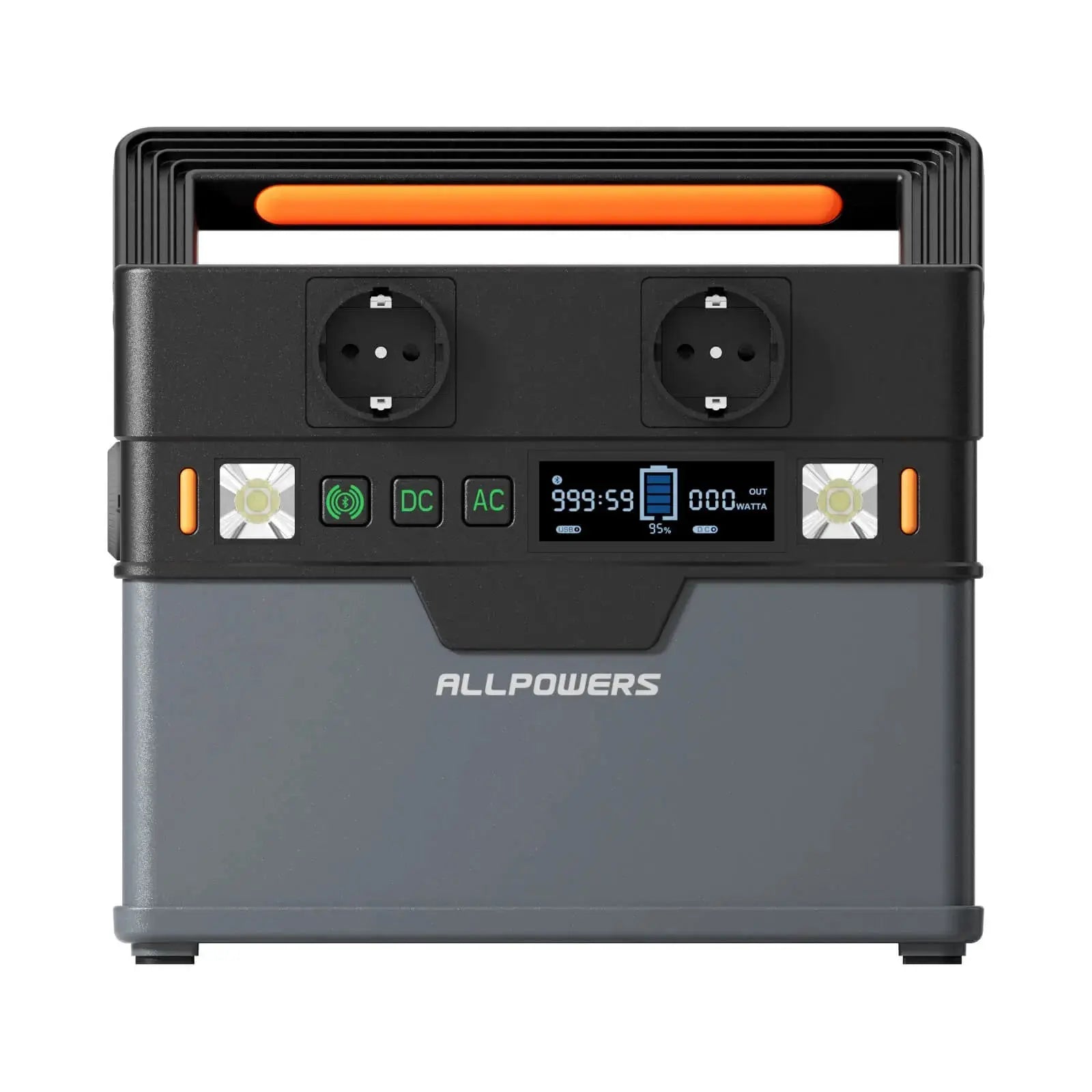
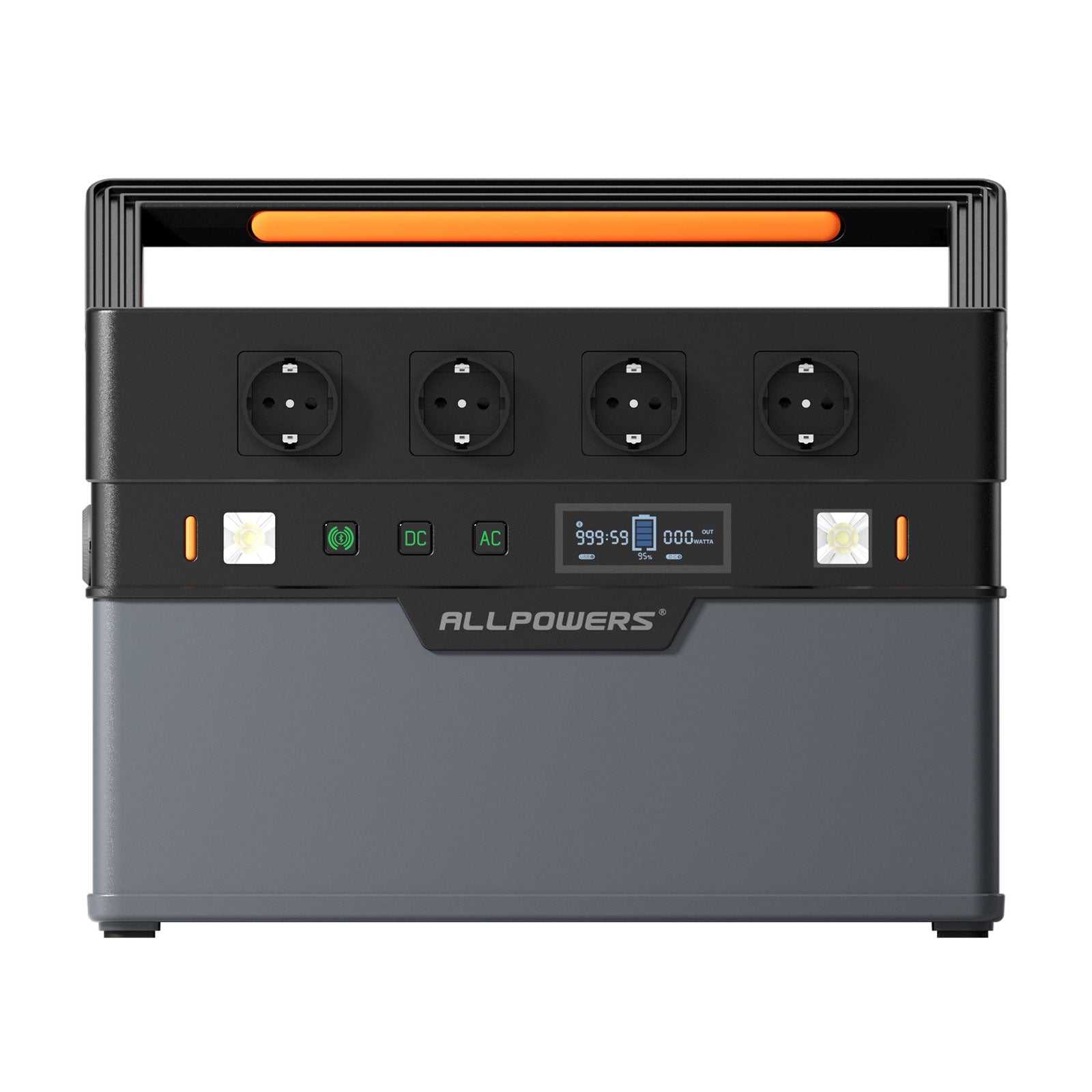
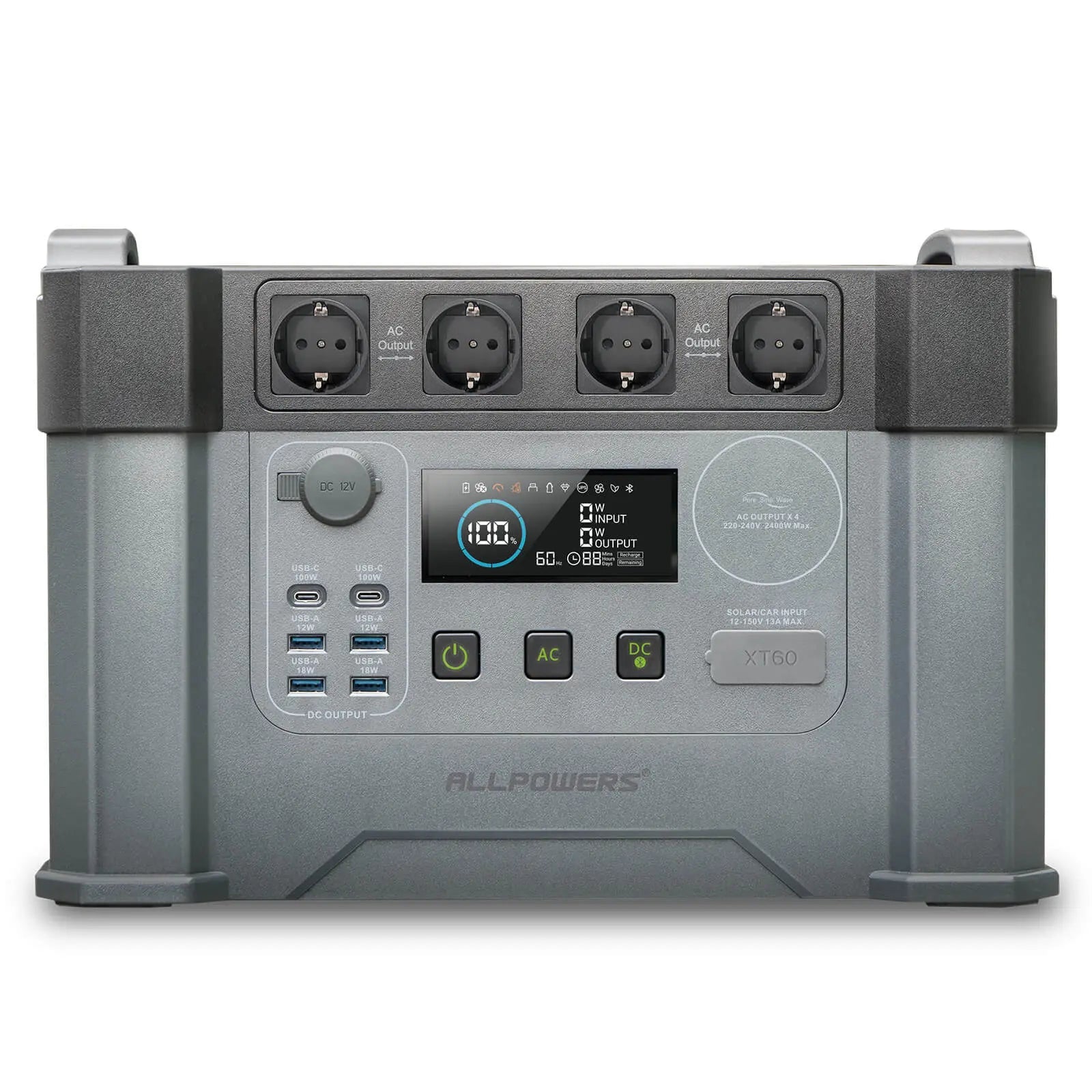
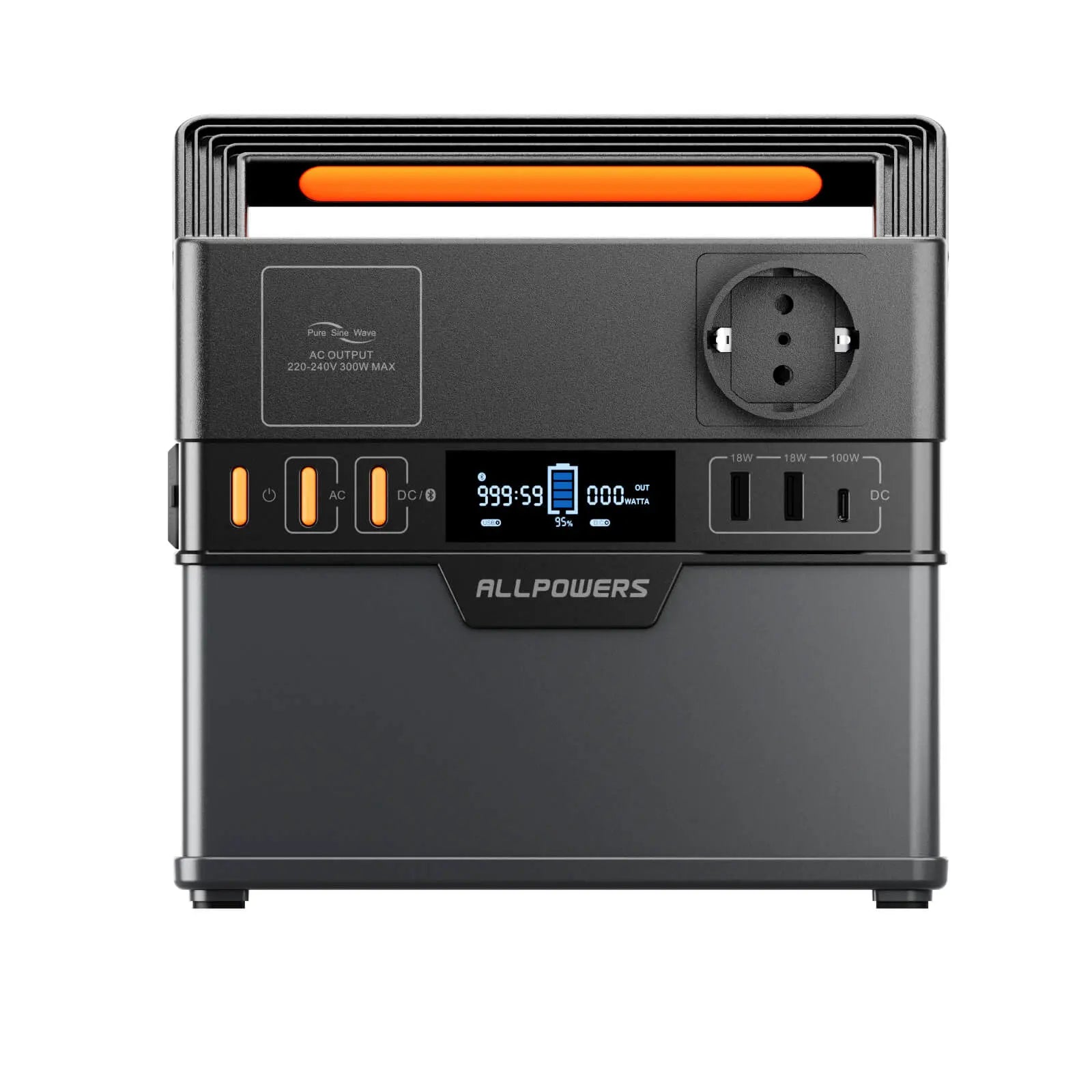
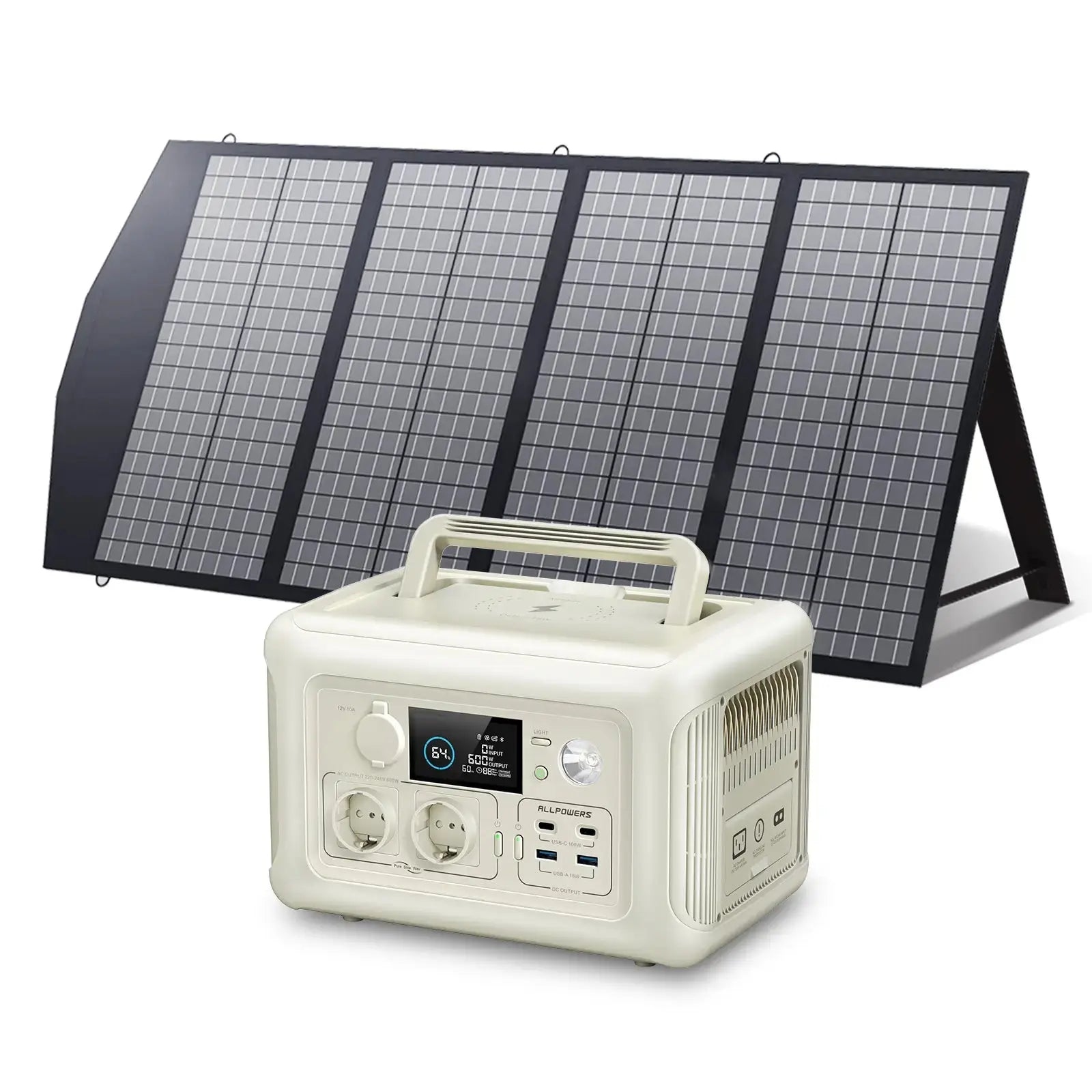
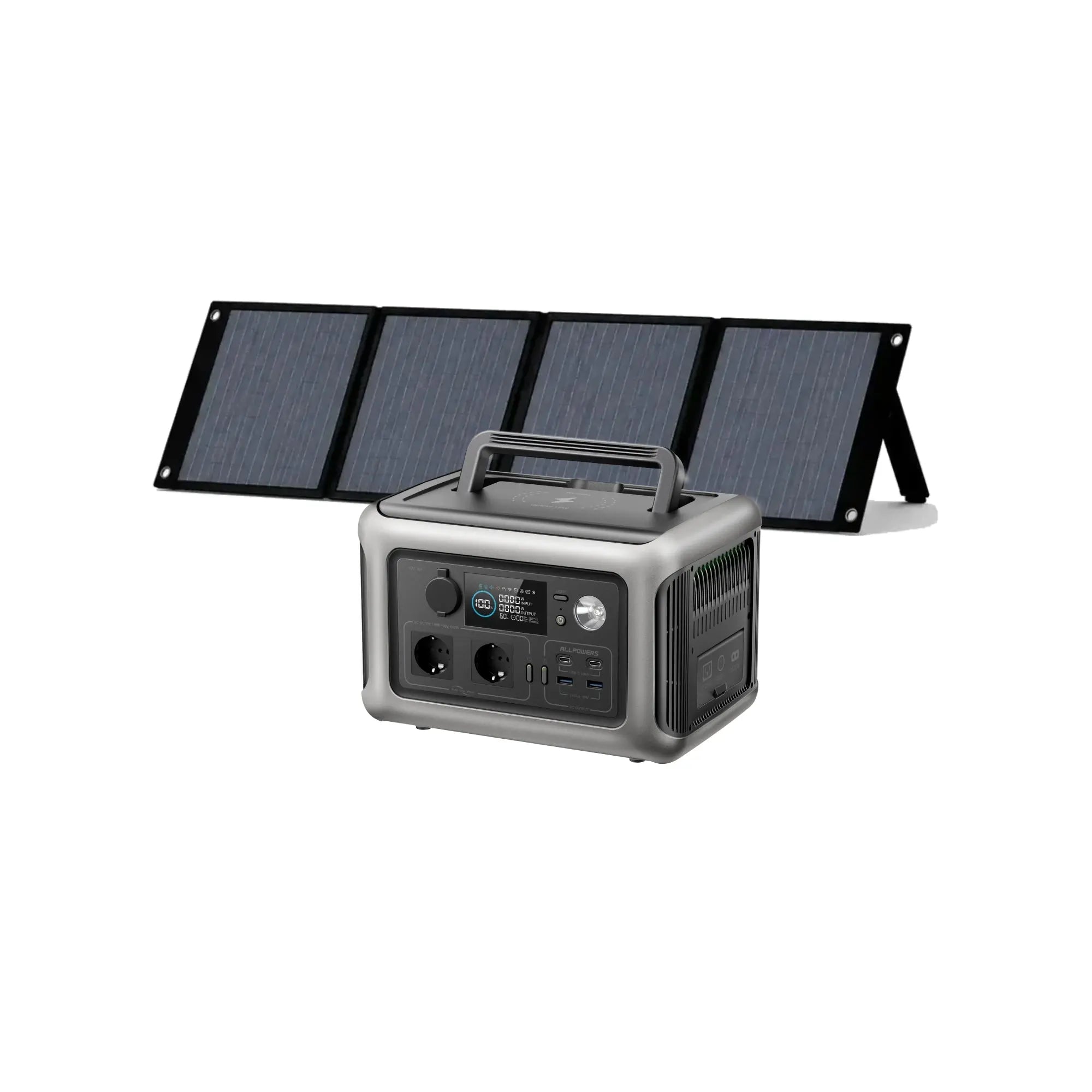
- Compatible with classic ALLPOWERS models: R600, S300 PLUS, S700, S1500, S2000 PRO, R1500 LITE, R1500, R2500 V2, R2500 PLUS, R3500, R4000, P1800
- Remote Control Switch and Output Power
- View battery level and charging status
Download for iOS / Android
Check your order status, save your device details and preferred settings, and monitor your power usage—all from within the app, even when you’re away from your computer. Install the ALLPOWERS app and keep energy management right in your pocket.

ALLPOWERS inc


ALLPOWERS


System requirements: Compatible with both iOS and Android devices; please ensure your operating system is up to date for the best experience.
Frequently Asked Questions
Control Your ALLPOWERS Energy from Your Phone
Monitor, control, and optimize your power station and solar setup — all from one intuitive app.
Download the AppFree download for iOS and Android

Key Features
Real-Time Device Status
Instantly see battery level, input/output power, and overall health of your devices.
Remote Charging Control
Turn charging on or off, adjust settings, and manage power flow from anywhere.
Multi-Device Management
Connect and control multiple ALLPOWERS devices from a single app.
Energy Usage Insights
Track energy generation and consumption to optimize your power usage.
Choose the Right App for Your Device
ALLPOWERS inc
For select ALLPOWERS power stations and solar generators.
Supported models
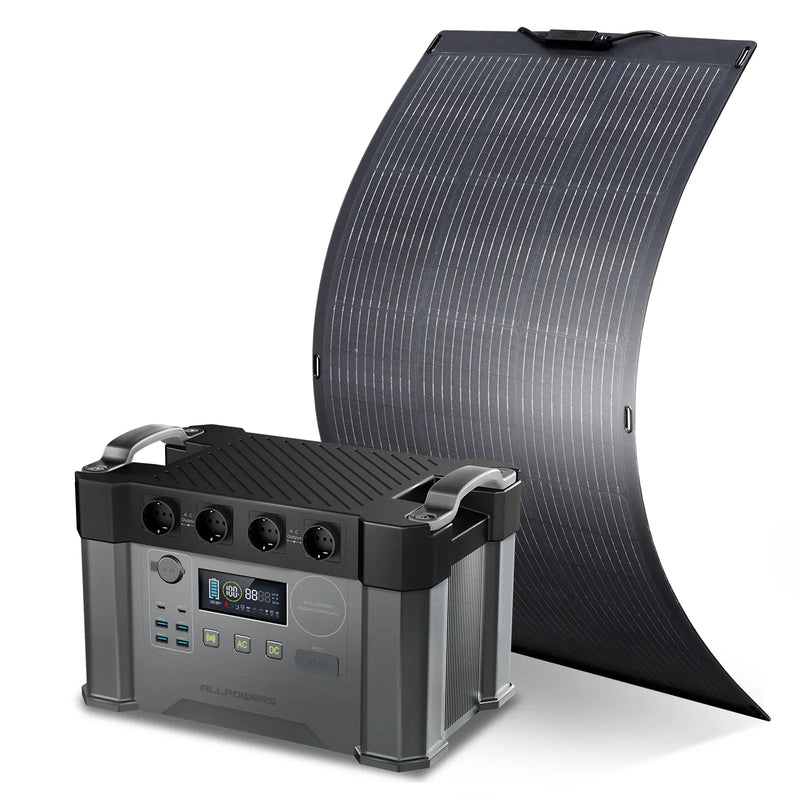
- S2000 — reliable everyday power
- S1500 — mid-size backup
- S1000 — compact and portable
Key features
- Monitor charge level and output
- Remote on/off control
- Basic energy usage history
Firmware updates
Manual updates via the app when available
Download on the App StoreGet it on Google PlayALLPOWERS
For the latest ALLPOWERS devices and full feature set.
Supported models
- S3000 — flagship capacity
- S2000 Pro — high-output pro model
Key features
- Real-time monitoring and alerts
- Scheduled charging and discharging
- Multi-device dashboard
Firmware updates
Over-the-air updates delivered automatically
Download on the App StoreGet it on Google PlayDownload the App
iOS
 Download on the App Store
Requires iOS 12.0 or later. Compatible with iPhone, iPad, and iPod touch.
Android
 Get it on Google Play
Requires Android 8.0 or later. Compatible with most smartphones and tablets.